
AI Image To Video
Convert images into videos with AITurn photos into smooth, realistic video clips
Highlights
What you can do with it
- Marketers who turn product photos into short video ads.
- Content creators who animate photos for social media.
- Anyone who needs video content without filming or editing.
How to use it
- 1 Open the site and register to claim the 50 free credits.
- 2 Upload the image you want to turn into video.
- 3 Pick an AI model and set the motion you want.
- 4 Generate the video and download it when ready.
Who it is for
Pros
- Turns a static image into a video within minutes, per the product description.
- No professional video skills or expensive gear are needed.
- Multiple AI models for different styles, with 50 free credits for new users.
Limitations
- Free use is a trial plus 50 starter credits; continued use is paid and credit rules can change.
- Motion quality depends on the source image and settings, so results vary.
- Focused on image-to-video conversion, so it is not a full video editor.
What AI Image To Video is
ImgToVid AI is an online tool that converts images into videos. The product description says it uses machine learning algorithms and neural networks to analyze photo elements and create smooth, realistic motion, turning a static image into dynamic video content. It states that users can make professional videos without professional video production skills or expensive equipment, that generation finishes within minutes, that costs are low, and that data is protected with bank-level encryption. It offers multiple AI models for different styles and scenes, and it gives users broad creative control over the result. A free trial is offered, and new users receive 50 free credits when they register and log in, so the free access is limited to the trial and starter credits. It is aimed at creators, marketers, and content producers who need engaging video content.
What you can do with it
- Turn a static image into a smooth, realistic video clip.
- Use multiple AI models to match different styles and scenes.
- Create professional-looking video without filming or editing skills.
- Generate results within minutes, per the product claims.
Who it is for
- Marketers who turn product photos into short video ads.
- Content creators who animate photos for social posts.
- Users who want video output without editing skills or gear.
What to watch out for
Free use is limited to the trial plus 50 starter credits, and continued generation is paid, so the credit rules and costs can change over time. Motion quality depends on the source image and the settings you choose, so results can vary and some clips may need a different model or more credits. The tool is focused on turning images into video, so it is not a full editor and it will not handle timeline editing, multi-clip projects, or audio work. If you use videos of people, make sure you have the right to use those images, since animating photos of real people can raise consent and platform rule issues, and any misuse is the user's responsibility.
FAQ
Is ImgToVid AI free?
It offers a free trial, and new users get 50 free credits when they register and log in. More use requires credits.
How does it work?
It uses machine learning and neural networks to analyze a photo and create smooth, realistic motion, turning the image into a video.
Who is it for?
It is aimed at creators, marketers, and content producers who need engaging video content.
Why it is free
What the official page says: 免费试用免费
Free limits, trial length and features are decided by the official site and can change at any time.
Product preview
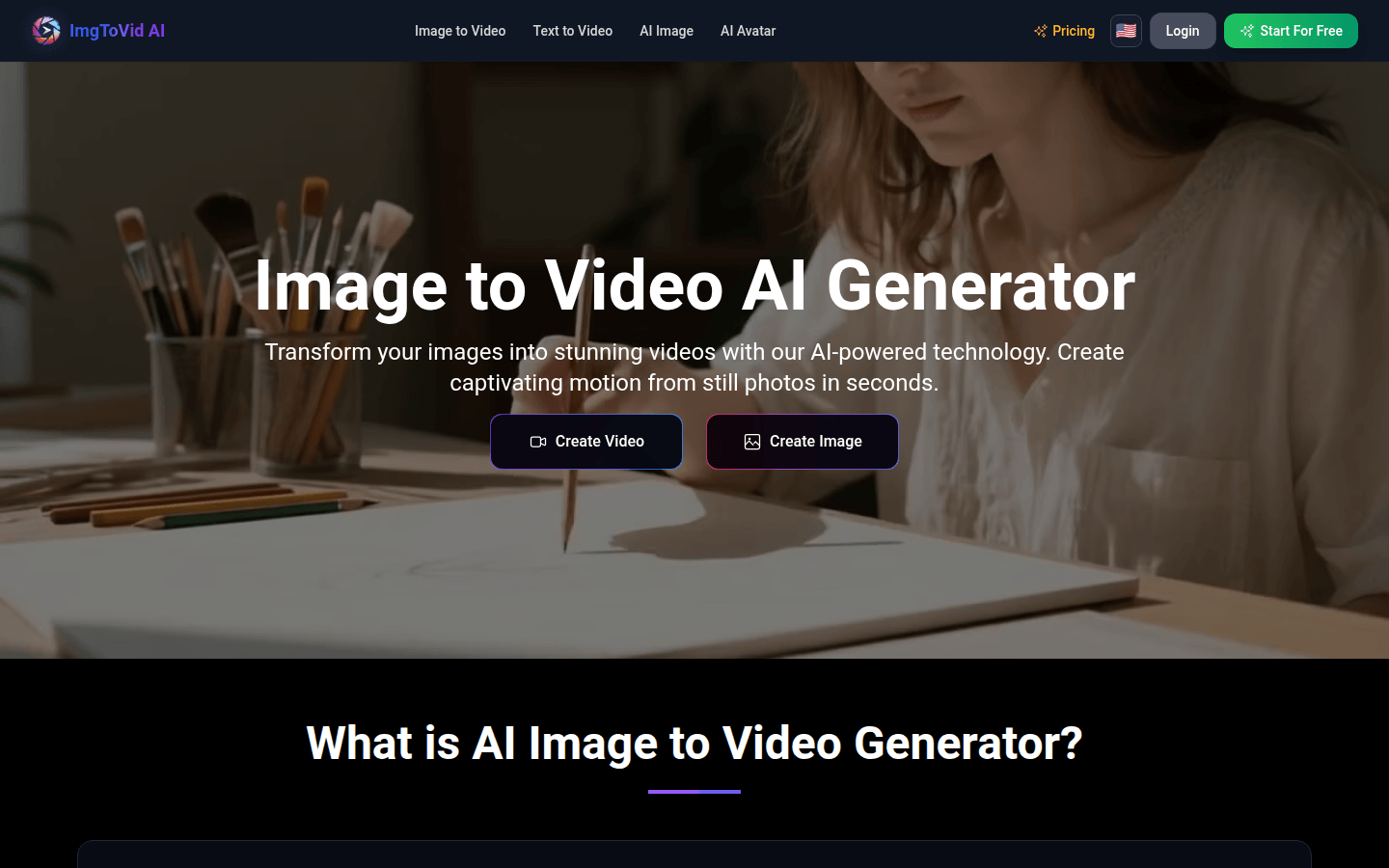
Screenshot archived from the listing page, for preview only.