
AI Image Generator by Art Neurona
Free AI image generatorCreate unique AI images in a few clicks
Highlights
What you can do with it
- Eye-catching images for social media posts
- Custom visuals for a brand campaign
- Exploring digital art styles as an artist
How to use it
- 1 Open art-neurona.com
- 2 Click the AI Image Generator button
- 3 Upload an image or pick an AI style and adjust the settings
- 4 Click generate and review the result
- 5 Save the image or share it
Who it is for
Pros
- Free to try with no install
- Fast, simple workflow
- Several styles available
- Works from a prompt or an upload
Limitations
- Free trial only; extended use is likely paid
- Limited documentation on resolution and licensing
- Output quality varies with prompt and style choice
What ART Neurona's AI Image Generator is
ART Neurona offers a browser-based AI image generator. You either type a prompt or upload an image, choose a style, adjust a few parameters and generate. The site advertises a free trial that needs no payment and no download, with a simple interface aimed at people who are not designers.
What you can do with it
- Generate an image from a written description.
- Upload an existing image and restyle it with an AI effect.
- Switch between several styles and effects.
- Save the result locally or share it on social media.
Who it is for
Social media managers who need visuals quickly, marketers producing custom campaign images, and artists who want to experiment with AI-assisted styles without learning new software.
What to watch out for
The free offer is a trial, so pricing and limits can change without much notice. There is little public detail on output resolution, commercial licensing or how uploaded images are stored, so confirm those before using results commercially. As with any small generator, plan to try several prompts before you get something usable. Behavior may vary across browsers and devices, so test before production use and consult the help docs if errors appear. Features and interface details may change between versions, so review the latest notes on the page before you start. For team use, agree on naming and editing conventions in advance to avoid version conflicts or duplicated work. Name and archive exported files consistently so you can find and reuse them, and keep a backup copy of key data. For team use, agree on naming and editing conventions in advance to avoid version conflicts or duplicated work.
FAQ
Is it free?
The site advertises a free trial with no payment required. Treat that as a test of the tool rather than an unlimited free plan.
Do I need to install anything?
No. It runs in the browser, which the vendor positions as a no-download experience.
Can I use my own image?
Yes. You can upload an image or select an AI style, adjust parameters, and generate from there.
What is it used for?
Social media imagery, custom brand visuals, and artists exploring AI-assisted creation.
Why it is free
What the official page says: for free
Free limits, trial length and features are decided by the official site and can change at any time.
Product preview
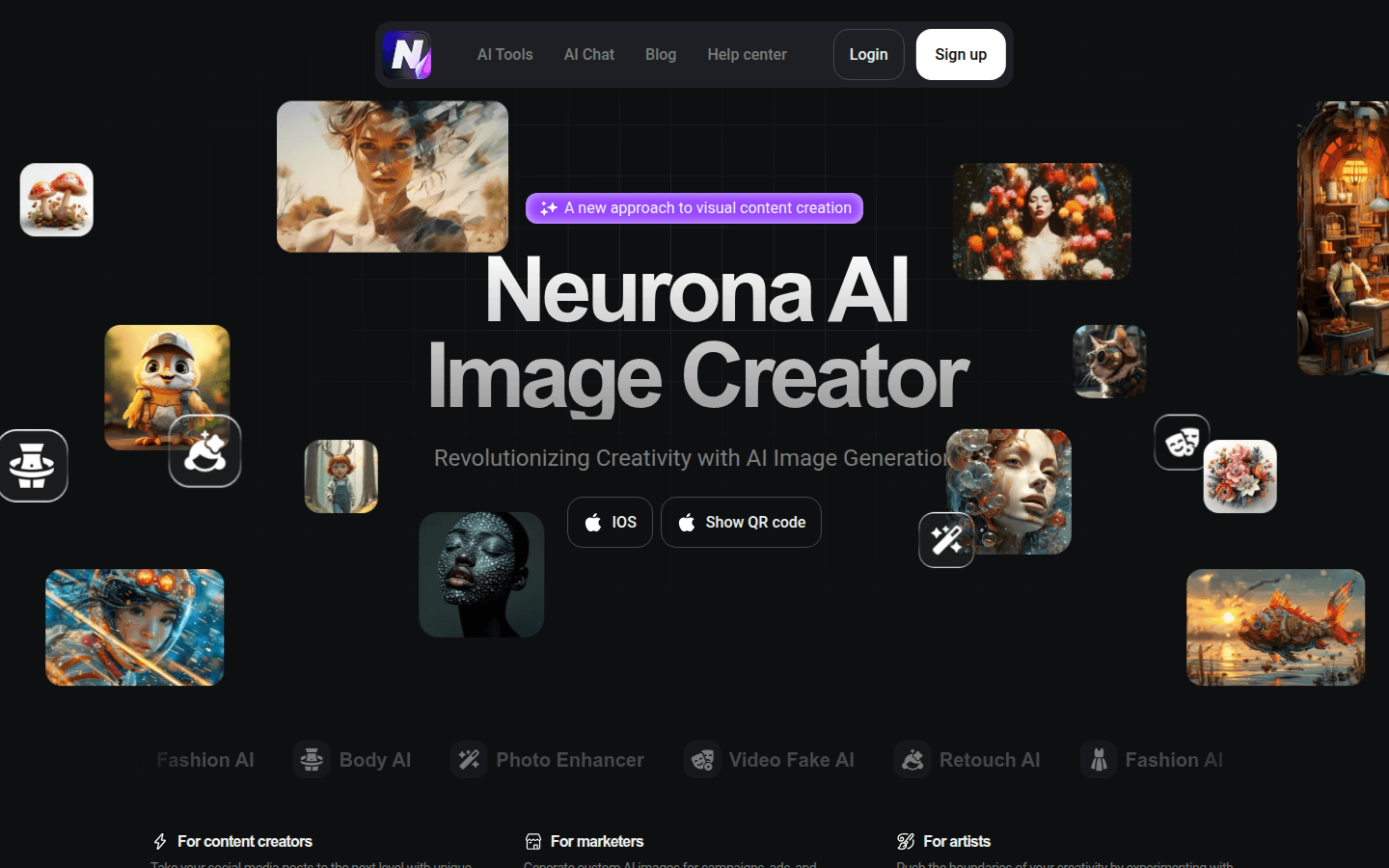
Screenshot archived from the listing page, for preview only.











