
ai image editor
Free online AI editor for photos and backgroundsEdit photos in a few clicks with AI
Highlights
What you can do with it
- Remove or replace a background for product photos
- Retouch portraits without desktop software
- Make quick edits for social posts and online listings
How to use it
- 1 Open www.aiimageeditor.info
- 2 Upload the photo you want to edit
- 3 Choose a tool such as background removal or retouching
- 4 Apply the changes and export the result
Who it is for
Pros
- Several editing tools on one platform
- Simple click based workflow
- A free version before you pay for Pro or Premium
Limitations
- Free version has limited features; Pro and Premium are paid monthly plans
- Prices and free limits may change
- High quality exports are tied to the paid tiers
What ai image editor is
ai image editor is an online photo editor at www.aiimageeditor.info that combines AI features with an interface designed for people who do not edit images for a living. The site says common edits can be finished in a few clicks, without setting up complex tools, and that its intelligent algorithms aim for professional level results. Background removal, photo retouching, and related tools live on one platform, so a single job does not require bouncing between apps. There is a free version with limited features. Above that, Pro is listed at $19.99 per month and adds advanced tools plus high quality exports, while Premium at $39.99 per month covers unlimited use of the AI editing features.
What you can do with it
- Remove or replace the background of a product or portrait photo.
- Retouch skin, lighting, and small details without desktop software.
- Finish quick edits for social posts, listings, and client previews.
Who it is for
- Small shop owners who need clean product images.
- Social media creators working on a deadline.
- People who do not want to install or learn a full editing suite.
What to watch out for
The free version is limited on purpose, and the features that matter for delivery, such as high quality exports, sit behind the paid tiers. Prices and free limits can change, so confirm the current numbers before you subscribe. AI edits are automatic, which means fine control is weaker than in a manual editor, and complex images such as hair against a busy background may need touch up afterwards. Also check the rights on any photo you upload, since you are responsible for having permission to edit and publish it.
FAQ
Is there a free version?
Yes, the free version offers limited features.
What do the paid plans cost?
The site lists Pro at $19.99 per month and Premium at $39.99 per month.
Do I need experience to use it?
The site describes editing as a few clicks without complex tools.
Why it is free
What the official page says: 免费版免费
Free limits, trial length and features are decided by the official site and can change at any time.
Product preview
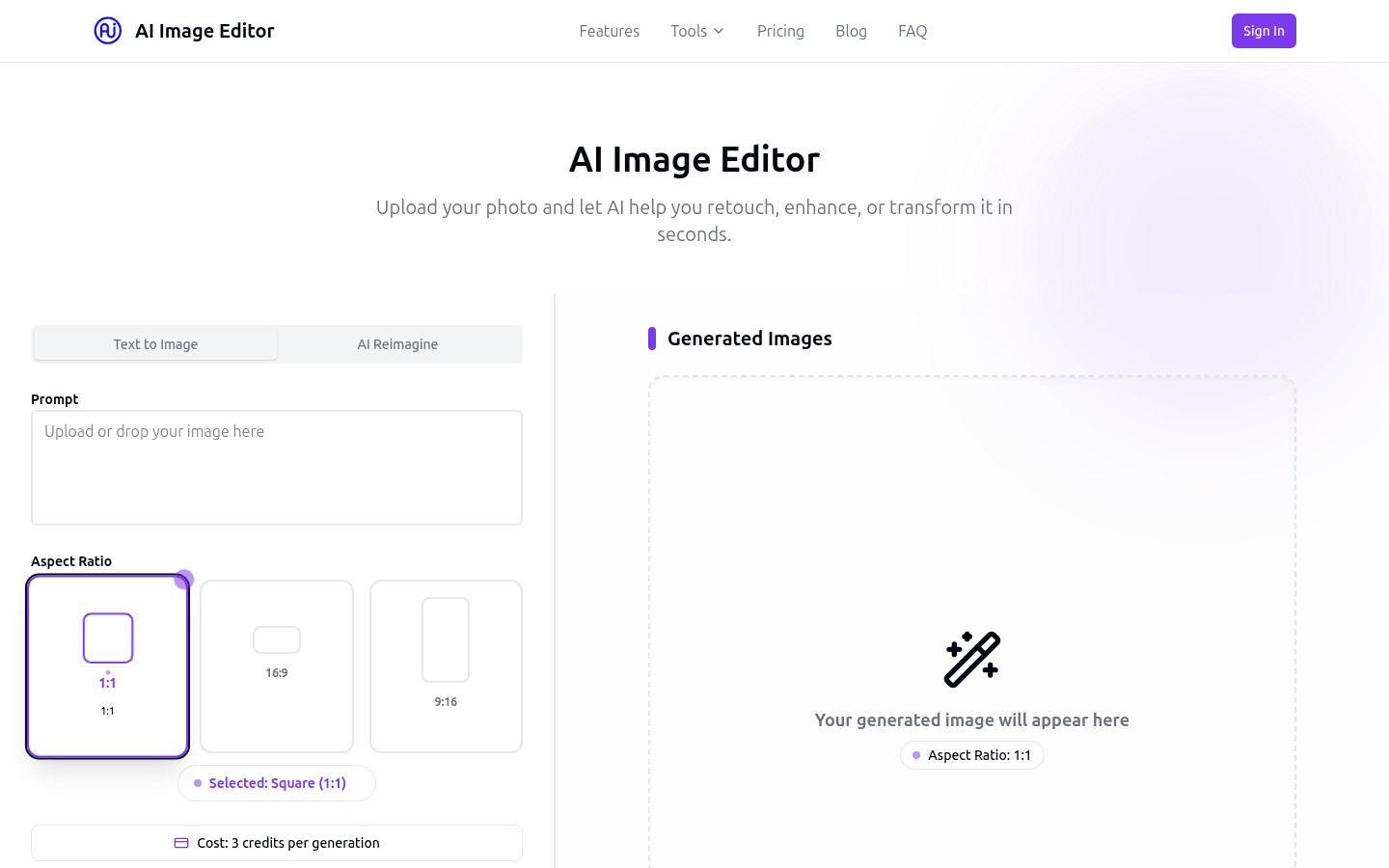
Screenshot archived from the listing page, for preview only.