
AI Image Editor
AI photo editor and transformerEdit and enhance photos with AI
Highlights
What you can do with it
- Create social media content quickly
- Make brand promotion images for business
- Optimize product display photos for marketing
How to use it
- 1 Select the AI model you want to use
- 2 Upload a photo and describe the change
- 3 Generate and pick the version you like
- 4 Download the high-quality edited image
Who it is for
Pros
- Free trial to test the editor
- No Photoshop skills required
- Precise area control and fast variations
Limitations
- Free trial limits and pricing can change over time
- Edits may not match complex requests exactly
- Output quality depends on the source photo
What AI Image Editor is
AI Image Editor is a tool that quickly edits, transforms, and enhances photos using AI, and it offers a free trial. It does not require Photoshop skills. It has intelligent structure retention to keep the core of your photo, precise area control for pixel-level edits, text editing for clean captions, and style transfer based on reference images. It can produce multiple high-quality variations quickly and is meant for commercial use, social media, and more.
What you can do with it
- Edit and enhance photos without complex software
- Adjust specific areas with precise control
- Add text and apply style transfer
- Generate several variations fast
Who it is for
- Individual creators making social content
- Business brands making promotion images
- Marketers optimizing product photos
What to watch out for
The free trial is limited, and trial terms and pricing can change over time. Complex edit requests may not come out exactly as you imagine, so expect some trial and error. Output quality depends on the source photo, so start with a clear image. Review results before you publish them. Start with a small sample to confirm the output meets your expectations before processing the full batch. Free tiers and usage limits can change, so check the current rules on the official page before relying on it long term. Name and archive exported files consistently so you can find and reuse them, and keep a backup copy of key data. When quality matters, export a small draft first to confirm the result before producing the final file. Generated suggestions are for reference only, so verify anything that affects professional judgment or important data.
FAQ
Is there a free trial?
Yes. The product offers a free trial.
Do I need Photoshop skills?
No. It uses AI so you do not need complex editing software.
What can I edit?
You can edit, transform, and enhance photos, add text, and apply style transfer.
Why it is free
What the official page says: free trial
Free limits, trial length and features are decided by the official site and can change at any time.
Product preview
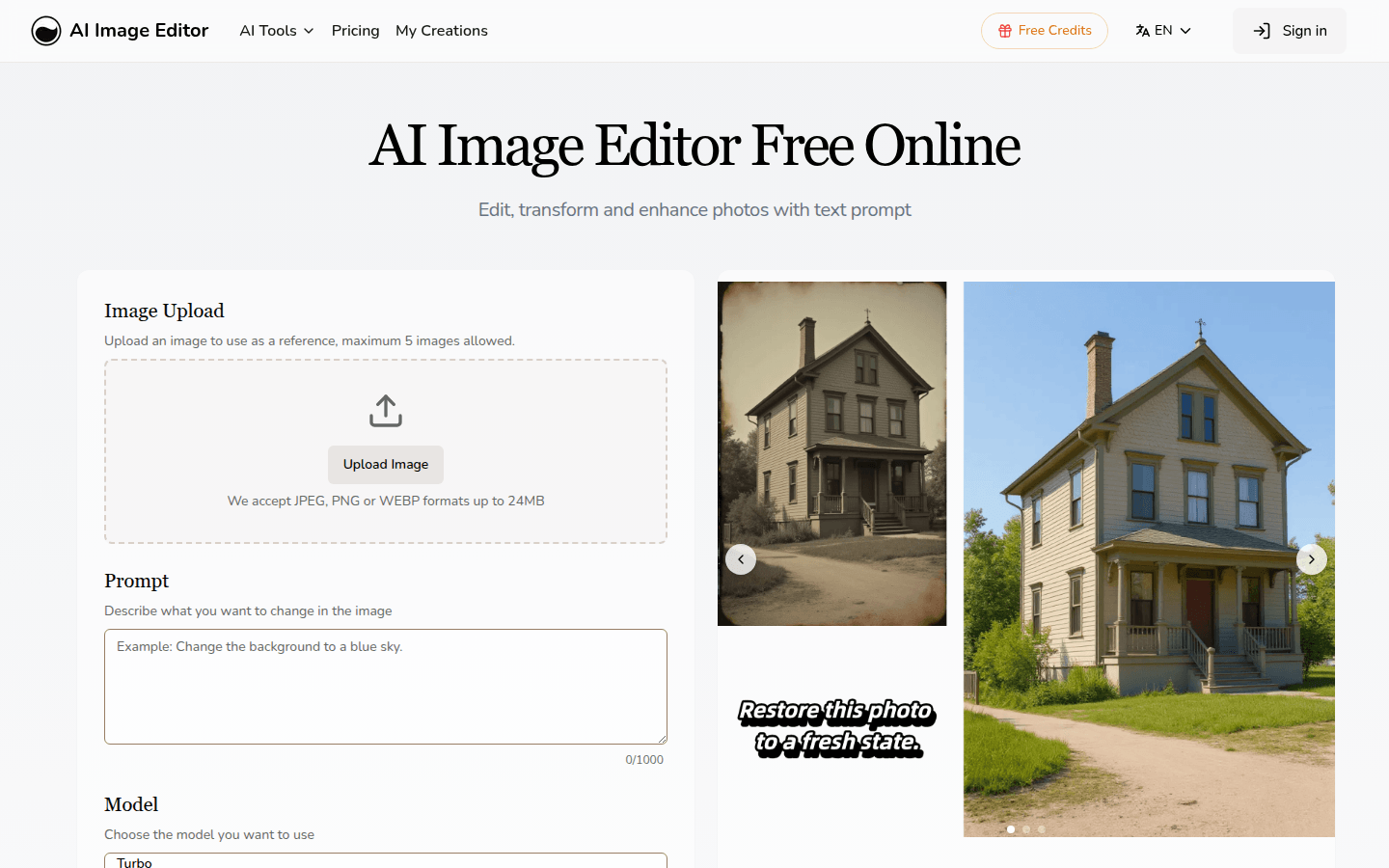
Screenshot archived from the listing page, for preview only.











