
AI House Design
AI indoor and outdoor design tool that turns space photos into plansUpload a room photo, preview a new design
Highlights
What you can do with it
- A homeowner uploads a living room photo, picks a modern minimalist style, and gets a new layout and decoration plan
- A design enthusiast uses the outdoor tool to plan a unique garden landscape
- A small builder generates several design options for a small-sized house to show a client
How to use it
- 1 Upload a photo of the current space so the system can analyze it
- 2 Select an indoor or outdoor design style you like
- 3 Adjust the generated layout or standard design for comfort and looks
- 4 Export a high-resolution floor plan to share with contractors or family
Who it is for
Pros
- No professional architecture experience is required
- Works for small spaces where layout matters most
- Many styles to choose from with instant previews
Limitations
- Generated plans are ideas, not construction-ready drawings
- The page lists free tools, and paid rules can change
- Results depend on the uploaded photo and the chosen style
What AI House Design is
AI House Design, published as AIDesignHouse, is a website for indoor and outdoor design. You upload a photo of a room or yard, choose a style, and the AI produces layout ideas, color plans, and decoration suggestions. According to the page it runs on the Gemini 3.5 Flash and OpenAI GPT Image models. It also generates floor plans quickly and offers a virtual furniture try-on so you can see how pieces look in a space. The page mentions that free online tools are available, which lets you test the flow before any payment. The focus is on fast, friendly design help for people without professional training.
What you can do with it
- Indoor design: get creative and practical renovation ideas for a room.
- Color and decoration: receive living room color plans and home decoration suggestions by style.
- Outdoor design: work on house exteriors and landscape ideas for free.
- Floor plans and furniture: generate layouts quickly and try furniture in the room before you buy.
Who it is for
- Ordinary family users who want to renovate without hiring a designer first.
- Design enthusiasts who want flexible tools to explore ideas.
- Small-scale builders who need several quick options to show clients.
What to watch out for
The output is a design idea, not a construction drawing. Anything that touches walls, structure, or outdoor grading still needs a professional. Because the tool leans on uploaded photos and picked styles, the result is only as good as the input. The page mentions free tools, and free access and model availability can change, so verify the current terms before you plan a project around it.
FAQ
Do I need design experience?
No. The page says simple operation is the point and no professional architecture experience is needed.
What can I design with it?
Indoor rooms, living room colors, outdoor exteriors and landscapes, and floor plans.
Is it free?
The page mentions free online tools are available, so you can try the flow, but check current terms for anything beyond that.
Can I preview furniture in a room?
Yes. There is a furniture try-on feature that shows different pieces in the room.
Why it is free
What the official page says: 免费
Free limits, trial length and features are decided by the official site and can change at any time.
Product preview
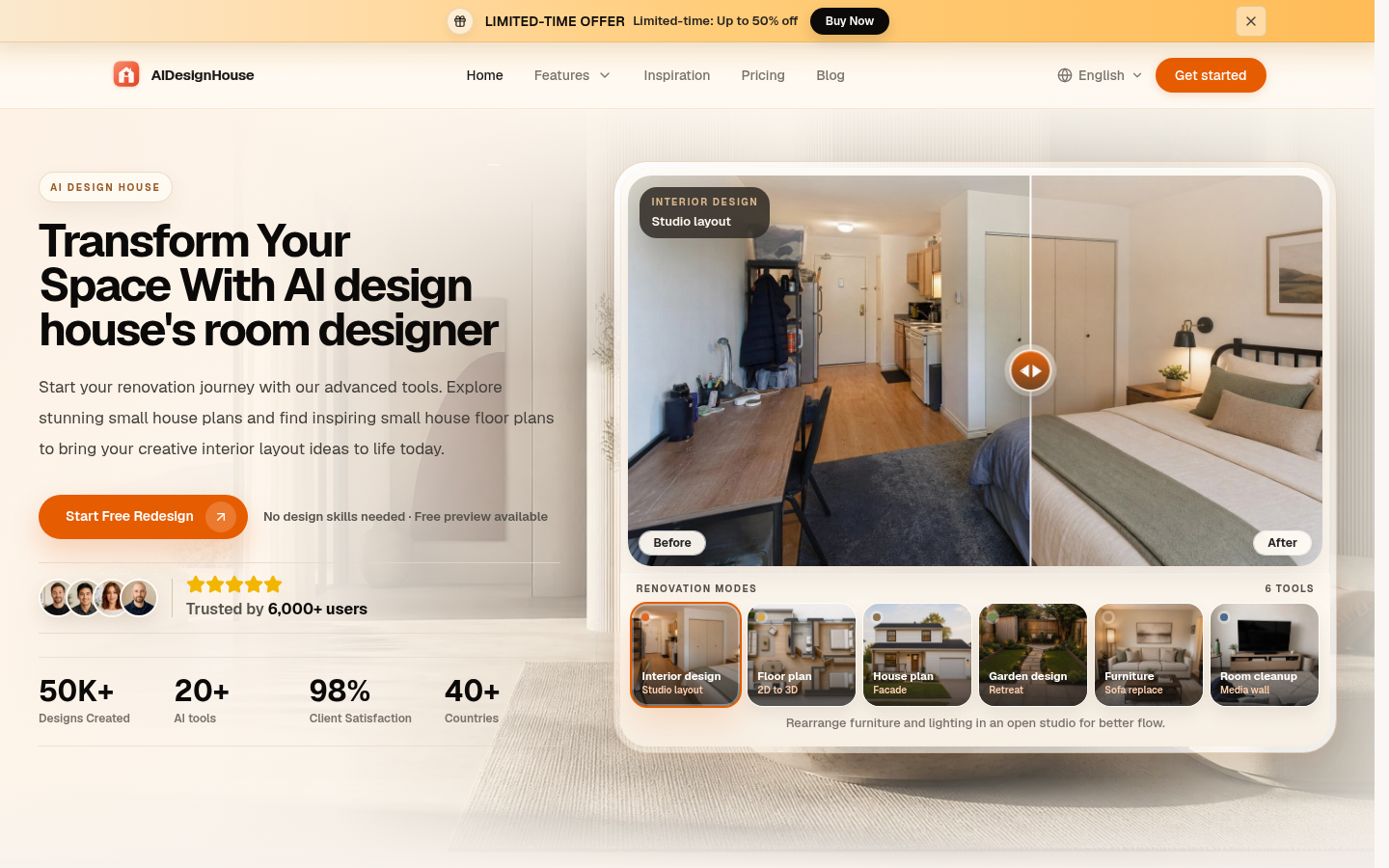
Screenshot archived from the listing page, for preview only.











