
AI Helpers
AI writing, proofreading, and copyright assistantDraft, check, and protect your writing in one place
Highlights
What you can do with it
- A blogger outlines a post and then cleans up the draft
- A site owner checks product and landing page copy for errors
- A marketer drafts sales copy and reviews it before publishing
How to use it
- 1 Start the free trial on the AI Helpers site
- 2 Choose the writing task you want help with
- 3 Generate an outline or ask for creative suggestions
- 4 Run the grammar and spelling check on your draft
- 5 Use the copyright features before you publish
Who it is for
Pros
- Covers structure, drafting, and proofreading together
- Copyright features are unusual for a writing tool
- Free trial lets you test the output quality first
- Works for blog, website, and sales copy formats
Limitations
- Free access is a trial rather than an ongoing free tier
- Specific pricing details are not listed in the material we have
- AI suggestions still need a human editing pass
- Copyright tooling does not replace proper legal review
What AI Helpers is
AI Helpers is a writing assistant that covers three jobs in one place: drafting, proofreading, and copyright support. It is pitched at people who write blog posts, website content, or sales copy and who would rather not bounce between an outlining tool, a grammar checker, and a separate copyright service. You can start from an outline it generates, ask for creative suggestions when a section stalls, and then run a grammar and spelling pass over the finished draft. A free trial version is available before any paid commitment.
What you can do with it
- Generate an article outline before you start writing
- Get creative suggestions when a draft goes flat
- Check grammar and spelling errors in the same editor
- Review copyright protection features before publishing
- Use it for blog posts, website copy, and sales pages
- Move from rough structure to clean copy without switching tools
Who it is for
- Bloggers and content marketers who publish on a schedule
- Website owners who write and maintain their own copy
- Freelance writers who want proofreading next to drafting
- Small teams that need a consistent editing pass on outbound copy
What to watch out for
Free access is a trial, not a permanent free tier, so ongoing use means a paid plan. The exact pricing is not spelled out in the material we have, so confirm it on the vendor site. AI drafting still needs a human editing pass, because the suggestions are starting points rather than finished sentences, and a sloppy draft that passes a grammar check can still read badly. The copyright features are a helpful check, but they are not a substitute for proper legal review if a piece matters commercially.
FAQ
What does AI Helpers do?
It helps with writing: outlines, creative suggestions, grammar and spelling checks, and copyright protection features.
Is it free?
It offers a free trial version, with flexible pricing beyond that.
Who is it aimed at?
Anyone writing blog posts, website content, or sales copy, from individuals to businesses.
Will the output be publish ready?
Expect to edit. The tool drafts and checks, but final judgement stays with you.
Why it is free
What the official page says: free trial
Free limits, trial length and features are decided by the official site and can change at any time.
Product preview
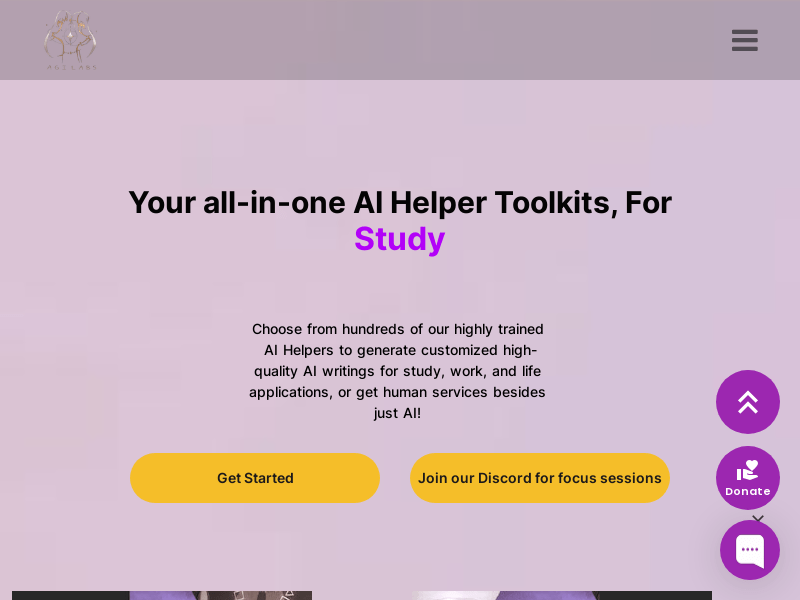
Screenshot archived from the listing page, for preview only.











