
AI Food Image Generator for Restaurant Photography
Free AI tool for professional restaurant food photosTurn ordinary food photos into professional menu images
Highlights
What you can do with it
- A restaurant owner refreshes the whole menu with better food photos.
- A chef presents dishes in a consistent style across the menu.
- A marketing manager creates food visuals for social media and delivery apps.
How to use it
- 1 Visit the site and register or log in.
- 2 Select the AI Food Image Generator function.
- 3 Upload the food photo you want to improve.
- 4 Choose a professional photography style.
- 5 Generate the image, then download and use it on your menu or social media.
Who it is for
Pros
- Free to use for restaurants of any size
- Improves food photos without a professional photographer
- Multiple styles and export formats for different channels
Limitations
- Free access rules and features can change
- Enhanced photos are still AI edits, not real photography
- Results depend on the quality of the original photo you upload
What AI Food Image Generator for Restaurant Photography is
The AI Food Image Generator is a free tool built to help restaurants create professional food photos and videos. You upload an ordinary food photo and the AI enhances it, adjusting brightness, contrast, saturation, and composition so the dish looks more appealing. It offers several professional photography styles, from an elegant fine dining look to a warm café feel to vibrant street food, and it supports export in formats suited to menus, social media, food delivery apps, and websites. You can also choose backgrounds, angles, and display styles to keep menu photos consistent. The pitch is straightforward: skip the cost of a professional photographer and still get clean, appetizing images. It is aimed at restaurant owners, chefs, and marketing managers, and it is free to use.
What you can do with it
- Turn an ordinary food photo into a professional-looking image
- Adjust brightness, contrast, saturation, and composition automatically
- Pick from styles like fine dining, café, or street food
- Export for menus, social media, and delivery apps
Who it is for
- Restaurant owners who need better menu photos without a big budget
- Chefs who want their dishes presented in a consistent style
- Marketing managers creating food visuals for social media and delivery platforms
What to watch out for
The images are AI enhancements, not real photography, so they improve a photo but cannot fix a poorly lit or low-quality original, and results depend on what you upload. Because the tool is free, the access rules and available features can change over time, so check the current offering before you build a workflow around it. There is also a question of honesty in advertising: heavily enhanced food photos should still resemble the dish a customer actually receives, or you risk misleading people. Finally, since it is an online AI service, upload only photos you have the right to use, and confirm the terms for how the generated images can be used in your marketing.
FAQ
Is it free?
Yes. The tool is free to use and is aimed at restaurants of all sizes.
What does it do to my photo?
It uses AI to adjust brightness, contrast, saturation, and composition to make the food look more appealing.
Where can I use the images?
You can export them in formats suited to menus, social media, food delivery apps, and websites.
Why it is free
What the official page says: 免费使用免费
Free limits, trial length and features are decided by the official site and can change at any time.
Product preview
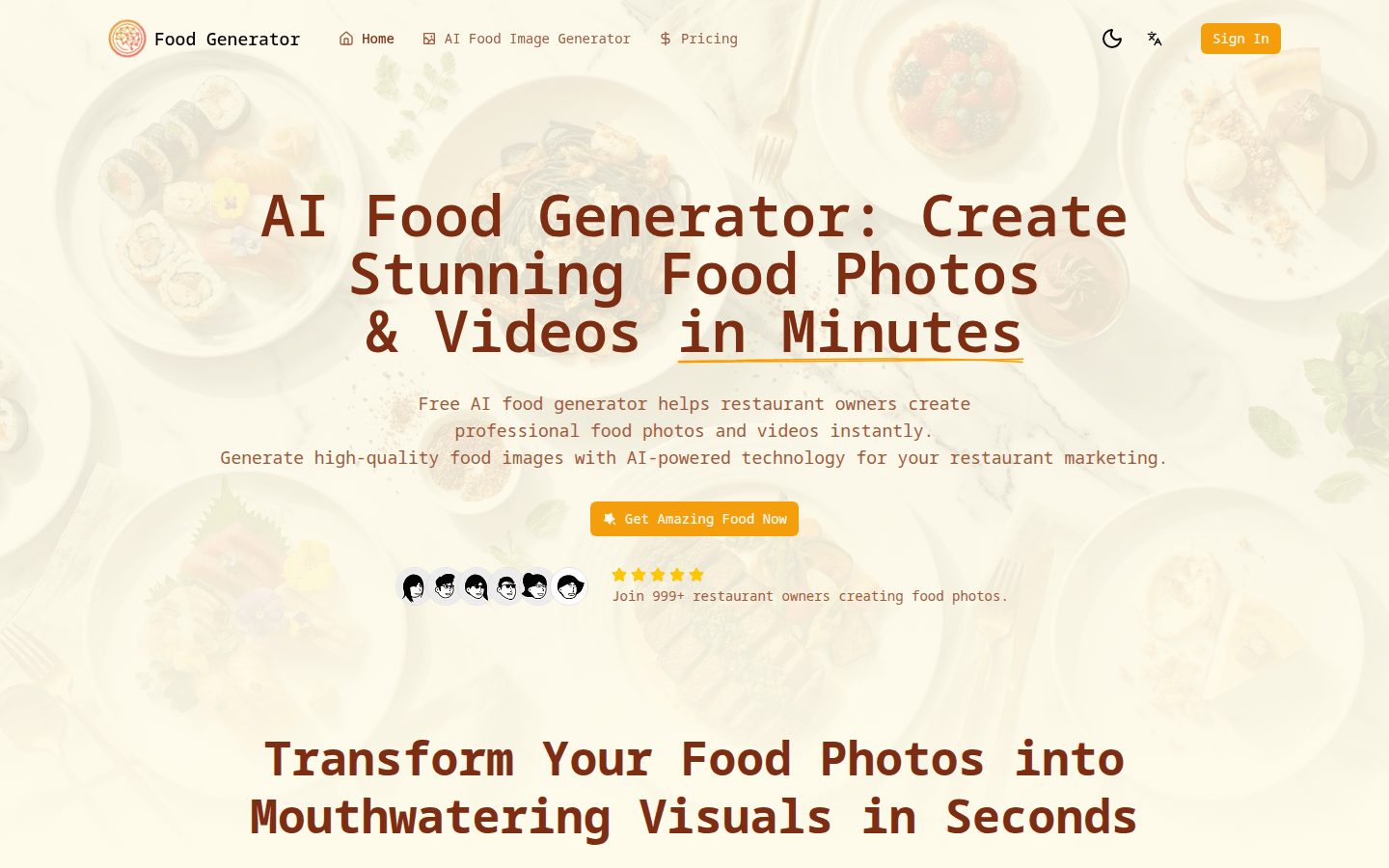
Screenshot archived from the listing page, for preview only.











