
AI Fill Image
AI image expansion toolExpand images with AI inpainting
Highlights
What you can do with it
- Expand a design pattern to fit a larger canvas.
- Fill in photo backgrounds for a more engaging composition.
- Extend digital artwork to explore new visual effects.
How to use it
- 1 Visit the AI Fill Image website.
- 2 Click or drag an image into the upload area.
- 3 Choose the expansion direction, such as all sides.
- 4 Set how many pixels to expand, up to 200 at a time.
- 5 Generate, review the before and after, then download.
Who it is for
Pros
- Free trial with two free expansions to start.
- Context-aware filling aims to keep results realistic.
- Simple upload and controls, in English and Chinese.
Limitations
- The site was returning an error status at last check, so access may be unreliable.
- Free expansion is limited; more use likely needs payment.
- Works best on clear patterns and may struggle with complex scenes.
What AI Fill Image is
AI Fill Image is a free online tool that expands images using AI. Instead of cropping or stretching a picture, it fills in the blank areas around it so you can widen the frame while keeping the original style and content. The tool is context-aware, meaning it studies the surrounding image to make the added area look believable, and you can repeat the expansion to refine the result further. It is aimed at designers and photographers who need a larger canvas or a different composition without starting over. New users can expand their first two images for free, and the interface is available in English and Chinese. Uploading is simple: you click or drag an image into the upload area and set how far to expand. One caution: when this listing was recorded, the site was returning an error status, so availability can vary.
What you can do with it
- Expand an image outward by filling the surrounding blank space.
- Choose the direction of expansion and set how far to extend, up to 200 pixels at a time.
- Compare the before and after result and download it if you are happy.
- Repeat the expansion to keep refining the image.
Who it is for
- Designers extending patterns to fit a larger canvas.
- Photographers filling backgrounds for a more engaging composition.
- Artists expanding digital artwork to explore new effects.
What to watch out for
Start with availability: the site was returning an error status at last check, so confirm the current state before you plan a project around it. The free trial covers your first two images, and further use will likely need payment, so it is a sampler rather than an unlimited free tool. Output quality also depends on the image. The tool is described as working best on pictures with clear patterns and structures, and busy or abstract scenes may produce less convincing fills. Treat expanded images as drafts, review them closely at full size, and keep your originals in case you want to redo the expansion later. If you plan to expand an image many times, check the pricing first so the cost does not surprise you.
FAQ
Is AI Fill Image free?
New users can expand their first two images for free. Beyond that, expect paid options.
What does it do?
It expands an image by filling the blank areas around it with AI while keeping the original style and content.
Which images work best?
It suits most images, especially those with clear patterns and structures.
Why it is free
What the official page says: free trial
Free limits, trial length and features are decided by the official site and can change at any time.
Product preview
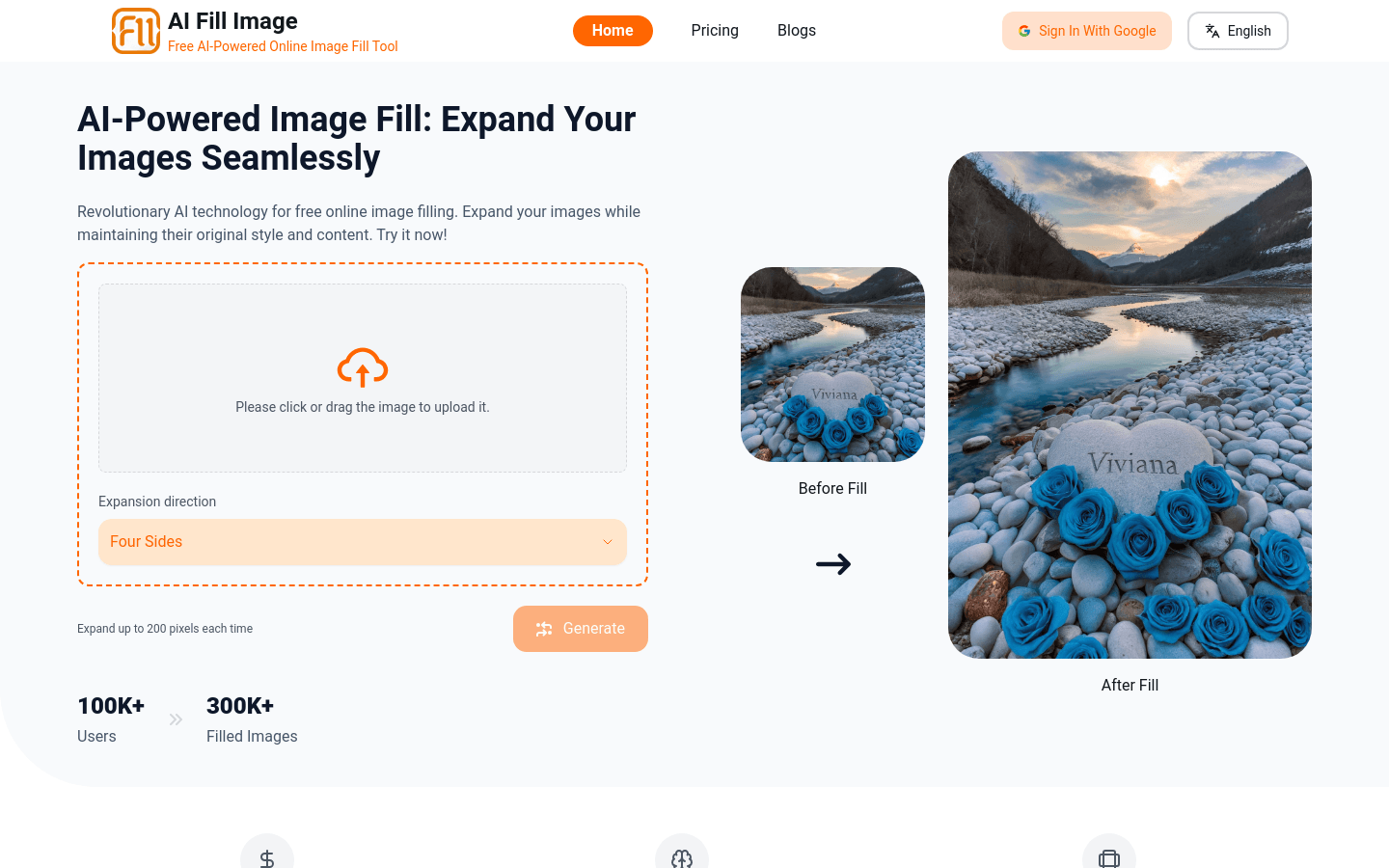
Screenshot archived from the listing page, for preview only.











