
Highlights
What you can do with it
- A group photo was edited for a joke between friends
- A costume party preview was made before buying a look
- A personal video clip was edited for a private message
How to use it
- 1 Open the ai face swap site in your browser.
- 2 Register to receive free credits.
- 3 Upload the source face and the target photo or video.
- 4 Run the swap, review the result, then download it.
Who it is for
Pros
- No install and no card needed to start
- Fast results on simple swaps
- Free credits let you test before paying
Limitations
- Face swapping raises serious consent and misuse issues; only use photos you have the right to use, and never for deception or adult content
- Free credits run out and paid terms can change
- Privacy and deletion claims cannot be independently verified, so avoid sensitive images
- Result quality varies with photo angle, lighting, and resolution
What ai face swap is
ai face swap is an online face-swapping tool that runs in the browser. There is nothing to download, and the site says it uses an advanced model to recognize facial features so the swapped face blends with the target's skin tone and lighting. It handles photos and video, claims results in 5 to 10 seconds, and states that images are encrypted during processing and deleted automatically rather than stored or shared. Registration gives free credits with no credit card required. The product is positioned as a convenient way to make face swaps for fun, which makes the consent question central rather than secondary, because every swap involves a real person's likeness and a real person's rights.
What you can do with it
- Swap a face in a photo or a short video clip
- Preview a look before committing to it in real life
- Make a private joke clip for friends who agreed to take part
- Test the output quality before buying credits
Who it is for
- Casual users editing photos they own or have permission to edit
- Creators making private clips for a small audience
- People previewing a costume or style change
- Anyone curious about how convincing current face swapping looks
What to watch out for
This is synthetic media built on a real person's likeness. Only use photos you have the right to modify, get clear permission from anyone whose face appears, and never use the output for deception, harassment, or adult content. Publishing a swap without consent may break platform rules and local law, and the consequences fall on you, not the tool. The site's claims about encryption and automatic deletion cannot be independently verified, so avoid sensitive images entirely. Free credits run out, paid terms can change, and result quality drops with poor lighting, odd angles, or low resolution, so treat the first output as a test rather than a finished asset.
FAQ
Is it free to start?
Registration gives free credits and no credit card is required.
Do I need to install software?
No. The tool runs in the browser.
Can I use any photo?
No. Only use images you have the right to modify, and never use someone's face without permission.
Why it is free
What the official page says: 免费
Free limits, trial length and features are decided by the official site and can change at any time.
Product preview
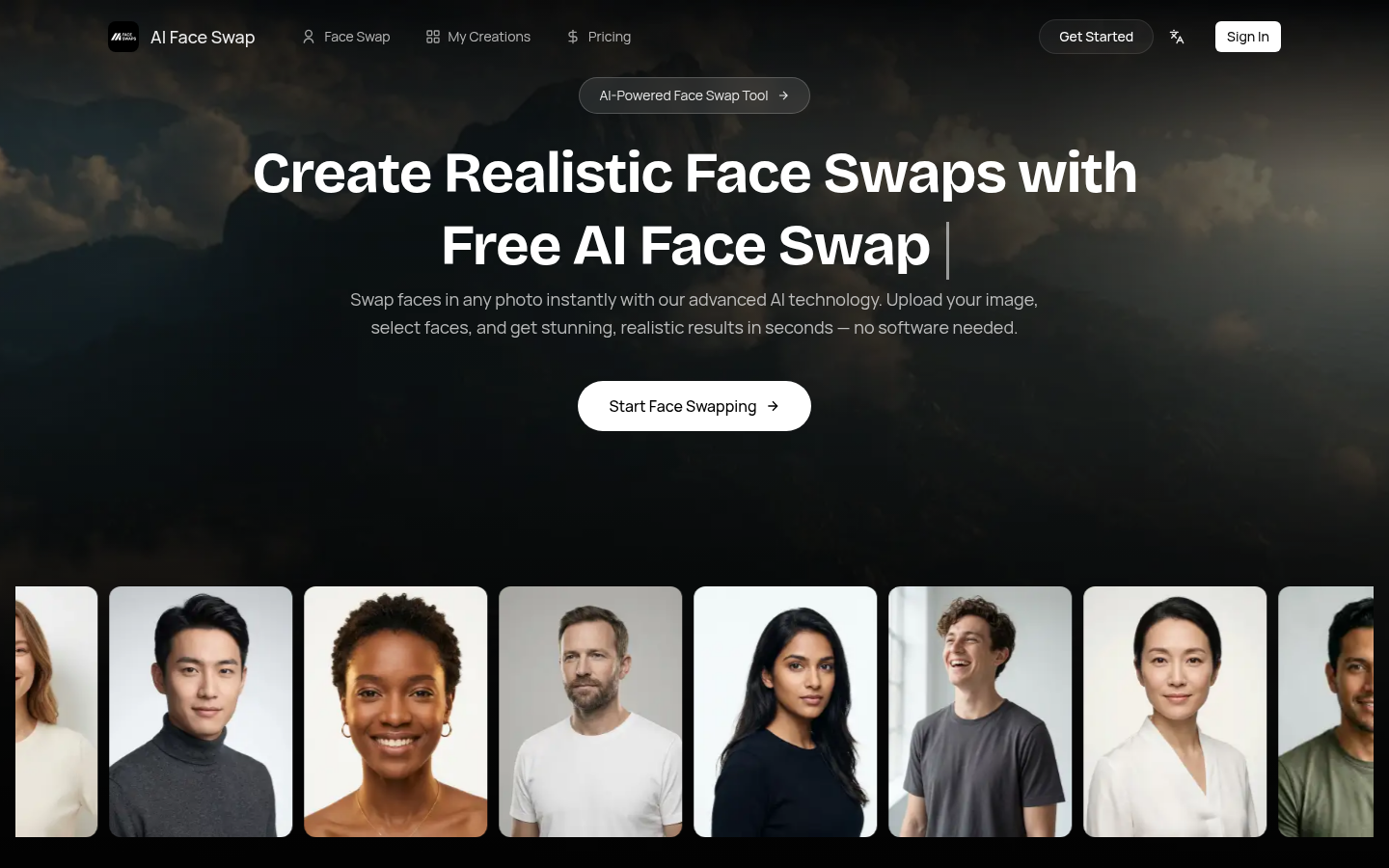
Screenshot archived from the listing page, for preview only.