
AI Emoji Generator
Free text-to-emoji image generatorType an idea, get a custom emoji
Highlights
What you can do with it
- Type a description of a cute cat to generate a cartoon cat emoji
- Type a birthday message to generate a birthday cake emoji
- Type a weather idea to generate a lightning emoji
How to use it
- 1 Open the AI Emoji Generator website
- 2 Enter a text description of the emoji you want
- 3 Generate the emoji image
- 4 Download the custom emoji for use
Who it is for
Pros
- Free to use
- Unlimited custom emoji generation
- Simple text input with no design skills
- Downloadable results
Limitations
- The free model can change
- The emoji library depends on the site's updates
- Result style depends on how you word the description
- Availability can vary since it is online only
What AI Emoji Generator is
AI Emoji Generator is an AI-powered online emoji generation tool. You only need to enter any text description, and it automatically generates a relevant emoji image. The tool is described as having good generation effects and simple operation, and it uses a free model that allows unlimited custom emoji generation. The emoji library is updated over time, and the overall experience is smooth. It is built for social chat software and similar scenarios where a personal emoji makes conversations richer and more expressive.
What you can do with it
- Convert text descriptions into emoji images
- Download custom emoji for messaging apps
- Generate many variations since usage is unlimited
- Rely on a library that is updated over time
Who it is for
- Social chat users who want custom emoji
- People who make stickers for messaging apps
- Anyone who wants a personal emoji for profiles and chats
- Users who prefer simple text input over design tools
What to watch out for
The free model can change at any time, so check the current terms before you depend on it. The emoji library depends on the site's own updates, which means the range of styles may grow or shift over time. Result quality depends on how you word the description, and short or vague text tends to give plainer output. Because the tool is online only, availability can vary, so confirm the page loads before you plan a batch of emoji. For team use, agree on naming and editing conventions in advance to avoid version conflicts or duplicated work. Name and archive exported files consistently so you can find and reuse them, and keep a backup copy of key data.
FAQ
Is it free?
Yes, the tool uses a free model and allows unlimited custom emoji generation.
How do I make an emoji?
Enter any text description and the tool generates a matching emoji image.
Can I download the emoji?
Yes, custom emoji downloads are provided.
Where can I use them?
In social chat software and other scenarios that accept images.
Why it is free
What the official page says: 免费
Free limits, trial length and features are decided by the official site and can change at any time.
Product preview
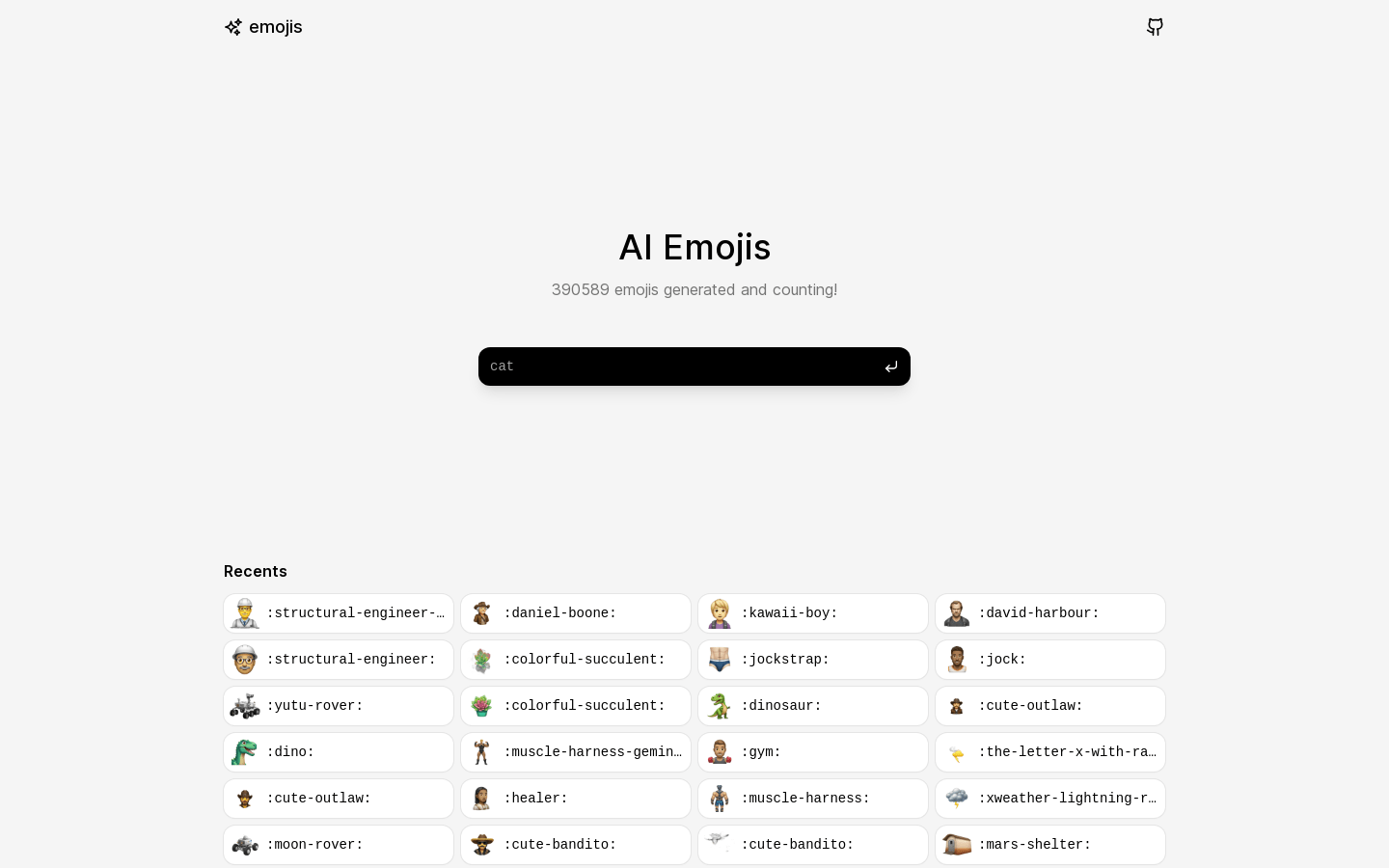
Screenshot archived from the listing page, for preview only.











