
Ai Drawing Generator
Free AI generator that finishes your doodlesFrom doodle to detailed image with AI
Highlights
What you can do with it
- Finish rough sketches into polished illustrations
- Explore how condition inputs change generated images
- Use in classrooms to demonstrate AI creativity
How to use it
- 1 Open the Ai Drawing Generator website
- 2 Draw or upload a simple doodle
- 3 Add prompts and adjust condition inputs
- 4 Generate the image and review the result
- 5 Refine conditions and regenerate as needed
Who it is for
Pros
- Free online tool with no installation
- Doodle input is friendly for beginners
- Condition controls give some direction over output
Limitations
- Free access and limits may change over time
- Results vary and may need several attempts
- Suited to light creative use, not production pipelines
What Ai Drawing Generator is
Ai Drawing Generator is a free online AI image generator that turns simple doodles into detailed images. It is built on advanced neural network structures and takes the sketches, prompts, and condition inputs you provide to produce realistic finished artwork. The tool offers controllable condition input and supports various image processing and auxiliary conditions, which gives users a way to steer the result instead of accepting a random output. That combination makes it approachable for people who can draw a rough shape but cannot render a finished image themselves. It is positioned for creative and educational uses, from hobby drawing and concept exploration to classroom demonstrations of how generative models work.
What you can do with it
- Turn a rough doodle into a detailed, finished image
- Guide output with prompts and condition inputs
- Experiment with different image processing conditions
- Use results for creative projects or teaching demos
Who it is for
- Hobby drawers who want to see sketches finished
- Students learning how AI image generation works
- Creative users exploring prompt based tools
What to watch out for
Results vary between attempts, and getting a specific outcome may require adjusting conditions and regenerating several times. The service is described as free, but access limits and availability can change without notice. It suits light creative and educational use rather than production pipelines that need consistent, high volume output. Features and interface details may change between versions, so review the latest notes on the page before you start. For team use, agree on naming and editing conventions in advance to avoid version conflicts or duplicated work. Start with a small sample to confirm the output meets your expectations before processing the full batch.
FAQ
What does Ai Drawing Generator do?
It turns simple doodles into detailed images using AI.
Is it free?
Yes, it is described as a free online AI image generator.
Can I control the output?
The tool provides controllable condition input and auxiliary conditions to guide generation.
Why it is free
What the official page says: 免费
Free limits, trial length and features are decided by the official site and can change at any time.
Product preview
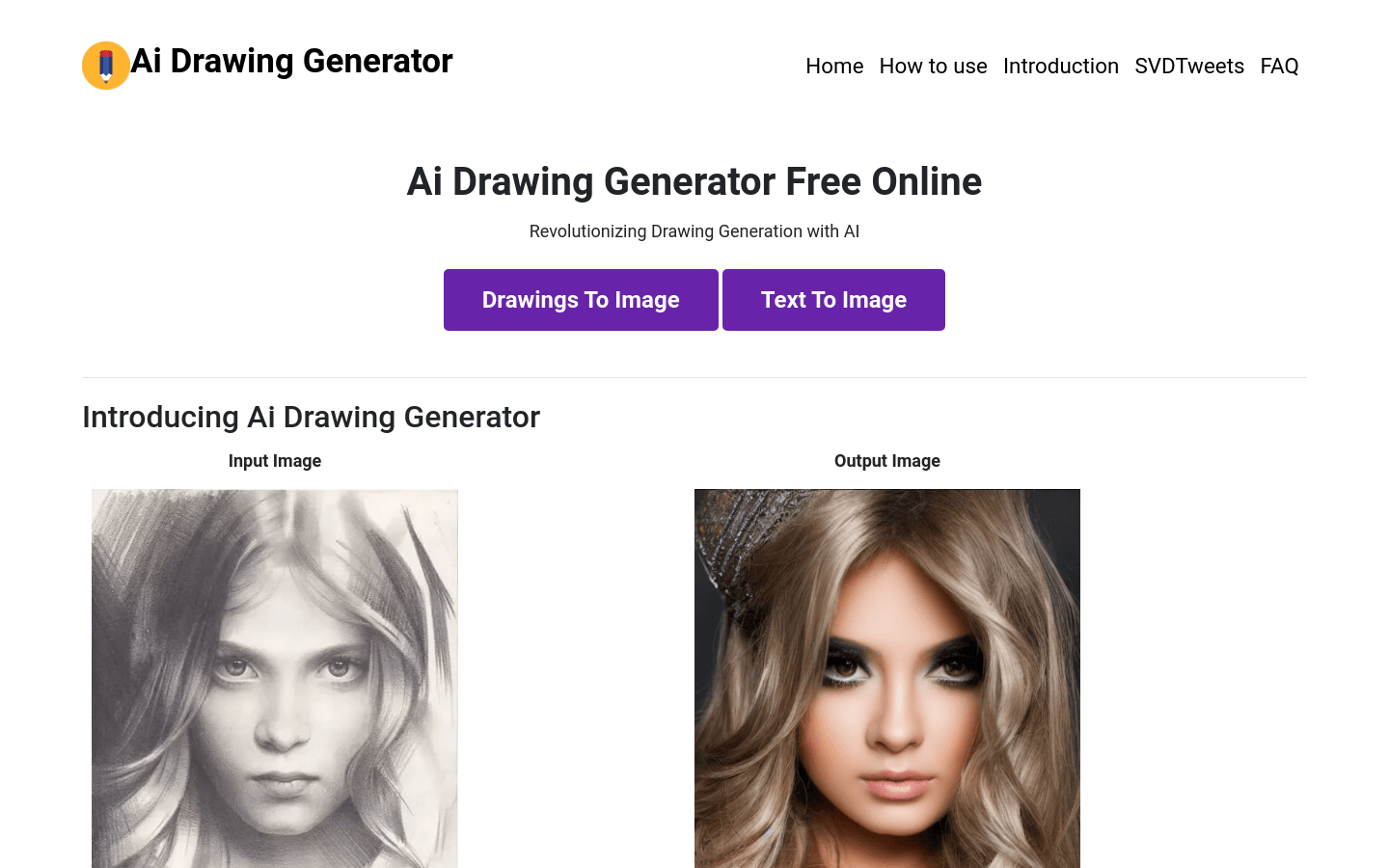
Screenshot archived from the listing page, for preview only.











