
AI Diagram Maker
Natural language to diagrams in the browserDescribe it and get a diagram
Highlights
What you can do with it
- Drawing a software login process as a flowchart from a single sentence
- Turning an architecture document into a professional microservice diagram
- Producing a project progress flowchart for reporting and team alignment
How to use it
- 1 Open the AI Diagram Maker website in your browser
- 2 Describe the chart you want in the input box, such as a system process or architecture
- 3 Let the AI generate the chart from your description
- 4 Refine it by asking for changes in conversation
- 5 Export the finished chart as PNG, SVG or chart code
Who it is for
Pros
- No dragging and dropping; the description drives the layout
- Existing notes and documents can be converted instead of redrawn
- Multiple export formats cover docs, decks and repositories
- Code view gives an escape hatch when the visual layout needs fixing
Limitations
- The free trial is limited and revision history sits behind Plus and Max plans
- Automatic layout means you give up fine control unless you edit the code
- Conversion quality from uploaded documents depends on how clear the source is
- Diagram accuracy still needs a human check before it goes into real documentation
What AI Diagram Maker is
AI Diagram Maker is an AI chart generation tool for software architecture diagrams, UML diagrams and flowcharts. Instead of dragging shapes around a canvas, you describe the chart in plain language and the tool builds it. Layout, alignment and styling are handled automatically, which is the main time saving the vendor claims. The tool also accepts uploads, so existing images, documents and notes can be turned into structured charts rather than redrawn. For anyone who wants more control, there is a code view where the chart code can be edited directly or changed through conversation with the AI. Output is exported as PNG, SVG or chart code. A free trial is offered, and chart revision history is listed on the Plus and Max plans.
What you can do with it
- Turn a short natural language description into a finished diagram
- Convert uploaded images, documents or notes into structured charts
- Let the tool handle positioning, alignment and design automatically
- Switch to the code view to edit the chart code directly
- Export to PNG, SVG or chart code for documents, decks and repositories
Who it is for
- Developers who regularly draw flowcharts and architecture diagrams
- Architects who need to visualise complex systems quickly
- Project managers who need clear process charts for reporting
What to watch out for
The free trial is limited, and revision history is tied to the Plus and Max plans, so check what your tier includes before relying on version rollback. Because layout is automated, precise visual control means switching to the code view, which assumes some technical comfort. Results from uploaded documents depend heavily on how structured and clear the source material is. As with any generated diagram, the output still needs a human review before it is treated as accurate documentation of a real system.
FAQ
Do I need design skills to use it?
No. You describe the chart in natural language and the tool handles positioning, alignment and styling for you.
Can I reuse material I already have?
Yes. You can upload pictures, documents or notes and the tool converts them into structured charts.
What formats can I export?
PNG, SVG and chart code. That covers documents, presentations and code repositories.
Is there a free plan?
A free trial is offered. Revision history tracking is listed as a Plus and Max plan feature, so check what the trial includes.
Why it is free
What the official page says: free trial
Free limits, trial length and features are decided by the official site and can change at any time.
Product preview
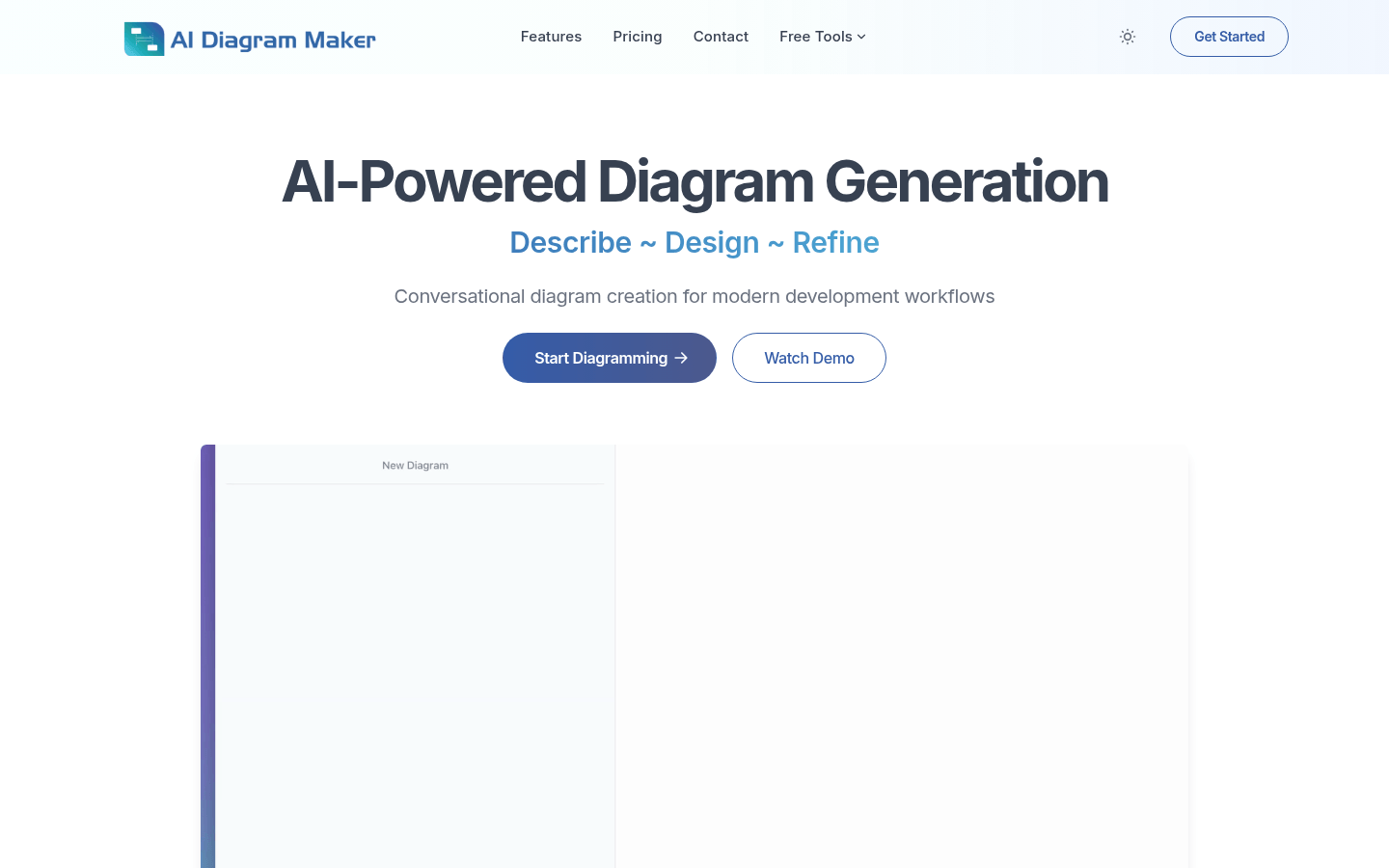
Screenshot archived from the listing page, for preview only.











