
AI Couple Photo
Merge two photos into a couple portraitCreate a realistic couple portrait with AI
Highlights
What you can do with it
- A long distance couple creates a shared photo together
- A pair marks an anniversary with a themed portrait
- Couples preview wedding styles before booking a shoot
How to use it
- 1 Prepare two clear, front facing photos.
- 2 Open AI Couple Photo and choose a style.
- 3 Upload both photos and adjust sliders if you want.
- 4 Generate the portrait in the cloud.
- 5 Download and share the finished image.
Who it is for
Pros
- Free to use with no software install
- Realistic lighting and clear detail
- Several styles and simple controls
Limitations
- Free status and limits can change over time
- Results depend on the quality of the source photos
- Only use photos and faces you have the right to use
What AI Couple Photo is
AI Couple Photo is a free online tool that blends two single photos into one natural couple portrait. It uses advanced visual models to match lighting and keep details clear, so the final image looks like it was taken together rather than pasted. You choose from several style presets, and simple sliders let you adjust warmth, brightness, and background blur before you export. All processing happens in the cloud, so there is no software to install and you can work from any device. It is built for couples who cannot easily take a real photo together, long distance couples, and people who want to test a creative idea before committing to a shoot.
What you can do with it
- Merge two single photos into one couple portrait.
- Pick from multiple style presets for different moods.
- Adjust warmth, brightness, and background blur with sliders.
- Export and share the finished portrait.
Who it is for
- Long distance couples who want a shared photo.
- Busy couples who cannot easily take a photo together.
- Couples previewing themes before a real photo session.
What to watch out for
The tool is free now, but free status and limits can change, so check the current terms. Result quality depends heavily on the source photos, so clear, front facing images work best. Most importantly, only upload photos of people whose likeness you have the right to use, and get consent where needed, because blending someone's face without permission can create real privacy and likeness problems. When quality matters, export a small draft first to confirm the result before producing the final file.
FAQ
Is AI Couple Photo free?
Yes, it is offered as a free online tool.
What do I need to start?
You need two clear, front facing photos to blend.
Do I need to install anything?
No, processing runs in the cloud through your browser.
Why it is free
What the official page says: 免费
Free limits, trial length and features are decided by the official site and can change at any time.
Product preview
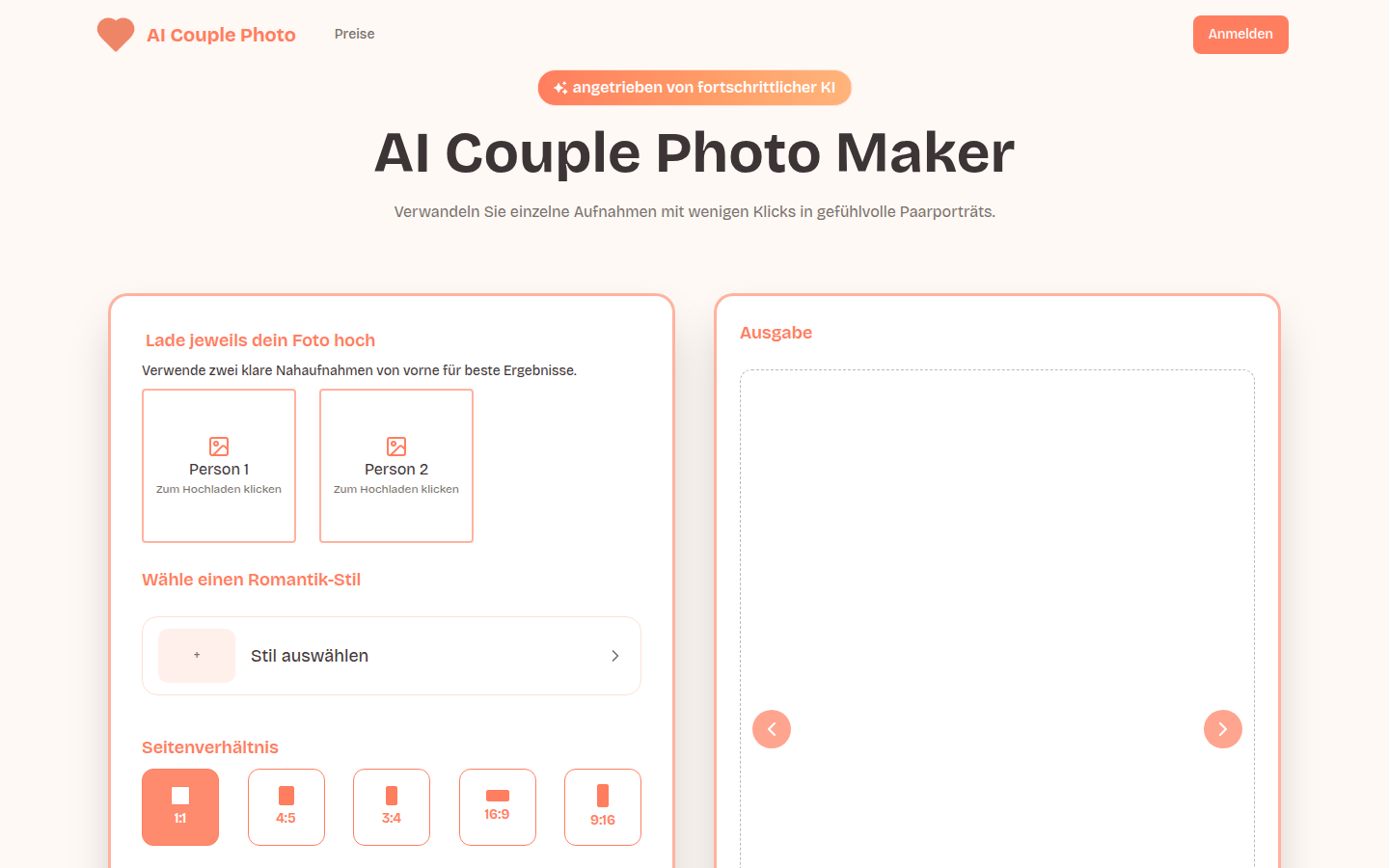
Screenshot archived from the listing page, for preview only.











