
Highlights
What you can do with it
- Product photos were edited for an online store listing
- Marketing visuals were generated from a short description
- Game and design assets were produced quickly
How to use it
- 1 Open the AI Banana website.
- 2 Upload a reference image or start from a text description.
- 3 Describe the edit or the image you want.
- 4 Generate the result, review it, then download.
Who it is for
Pros
- Very fast turnaround on simple requests
- Simple prompt workflow instead of editing tools
- Small pay-per-use entry point for one-off jobs
Limitations
- Credits run out and pricing can change
- Identity retention is not perfect on every photo
- Results need review before commercial use
What AI Banana is
AI Banana is an image generation and editing platform that combines Nano Banana and Google Gemini models. The interaction model is plain language: you describe what you want, or describe the change you want applied to an existing image, and the platform returns a result. The site claims processing inside one to two seconds, high identity retention so a face or subject stays recognizable across edits, and support for multiple reference images that guide the output. It is aimed at professional use cases in e-commerce, marketing, gaming, and design, where speed matters more than deep manual control. Pricing is credit based, with pay-per-use at $2.99 for 3 credits and a monthly plan at $9.9 that includes 100 credits.
What you can do with it
- Generate images from a text description
- Edit an existing image by describing the change in words
- Use multiple reference images to guide the output
- Keep a subject recognizable across a set of variations
- Produce e-commerce, marketing, or design assets quickly
Who it is for
- E-commerce sellers who need product images updated fast
- Marketers producing visuals without waiting on a designer
- Game and design teams exploring asset directions
- Anyone who wants a quick edit without learning editing software
What to watch out for
Credits are consumed per generation and pricing can change, so heavy use adds up faster than the entry price suggests. Identity retention is advertised as high, but it is not guaranteed on every photo, and unusual angles, occlusion, or heavy styling reduce accuracy. Output needs a review pass before it goes on a product page, especially where text, logos, and fine detail matter. A two-second render is fast, but choosing the right prompt is still the slow part of the job, and results improve when you describe the subject, the setting, and the lighting rather than a single vague idea.
FAQ
How fast is it?
The site says images can be generated and edited within one to two seconds.
What does it cost?
Pay-per-use is listed at $2.99 for 3 credits, and a monthly plan at $9.9 includes 100 credits.
Which models power it?
It integrates Nano Banana and Google Gemini technologies.
Why it is free
What the official page says: 免费
Free limits, trial length and features are decided by the official site and can change at any time.
Product preview
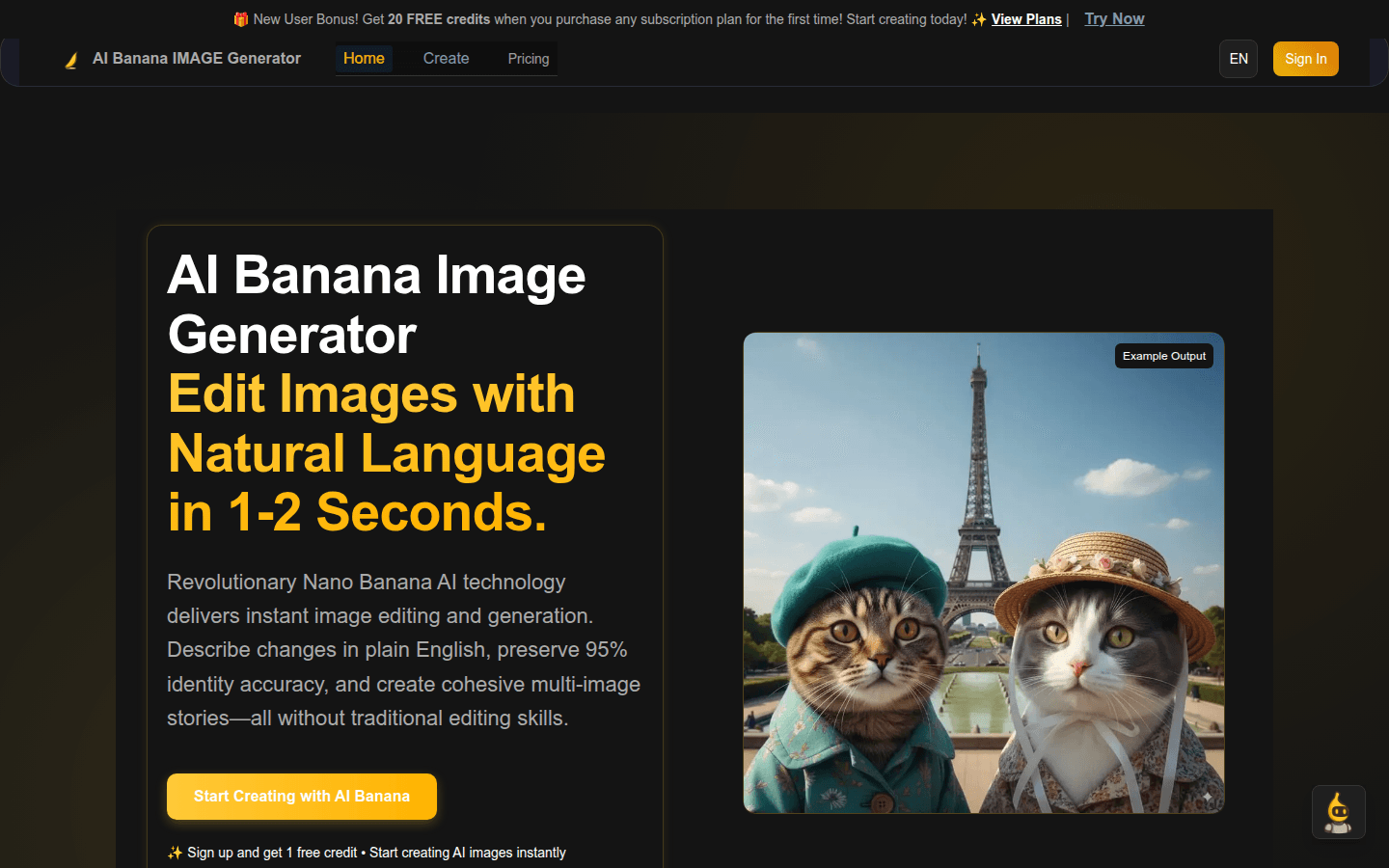
Screenshot archived from the listing page, for preview only.