
AI Background Remove
AI background removerClean transparent PNGs in seconds
Highlights
What you can do with it
- Cut out product photos for cleaner e-commerce listings
- Prepare clean elements for posters and social graphics
- Speed up portrait retouching for photographers
How to use it
- 1 Choose a photo with clear subject edges
- 2 Upload the image or drag it onto the page
- 3 Let the AI remove the background automatically
- 4 Download the transparent PNG for your project
Who it is for
Pros
- Fast, automatic results in seconds
- Clean edges on hair and fine details
- No software install, works in the browser
Limitations
- No pricing is listed, so future terms are unclear
- Very busy or low-contrast backgrounds can need touch-ups
- Output quality depends on the source photo
What AI Background Remove is
AI Background Remove is a browser tool that clears the background from a photo in seconds. You upload an image, and the AI separates the main subject automatically, with no manual selection tools involved. It accepts common formats such as JPG, PNG, and WebP, and returns a clean transparent PNG you can drop into a design, a product page, or a social post. An edge engine softens contours so the cutout does not look jagged, and the system is built to handle fine details such as hair, shadows, and thin lines. Both busy scenery and plain solid backgrounds are supported, and high resolution files keep their clarity after processing. The page lists no pricing, so the workflow is presented as free to use.
What you can do with it
- Remove backgrounds from product and portrait photos
- Export transparent PNGs ready for design work
- Handle complex scenery or solid color backdrops
- Keep high resolution detail after processing
Who it is for
- Photographers who want faster post-production
- E-commerce sellers who need tidy product images
- Designers who need clean elements for layouts
- Social creators making thumbnails and post graphics
What to watch out for
No pricing appears on the page, so long-term terms are unclear and the service could change. Results depend on the source: low contrast edges, very busy backgrounds, or heavy motion blur can leave artifacts that need manual cleanup. Do a test run on a few images before you process a full catalog, and keep the originals so you can redo any cutout that misses the mark. Generated suggestions are for reference only, so verify anything that affects professional judgment or important data.
FAQ
Is it free?
The page shows no pricing information and the tool runs from upload to download, so it is presented as free to use.
Which formats work?
You can upload JPG, PNG, or WebP, and the result is a transparent PNG.
Will it handle hair and shadows?
The system is designed to recognize fine elements such as hair, shadows, and thin edges for a natural cutout.
Why it is free
What the official page says: free to use
Free limits, trial length and features are decided by the official site and can change at any time.
Product preview
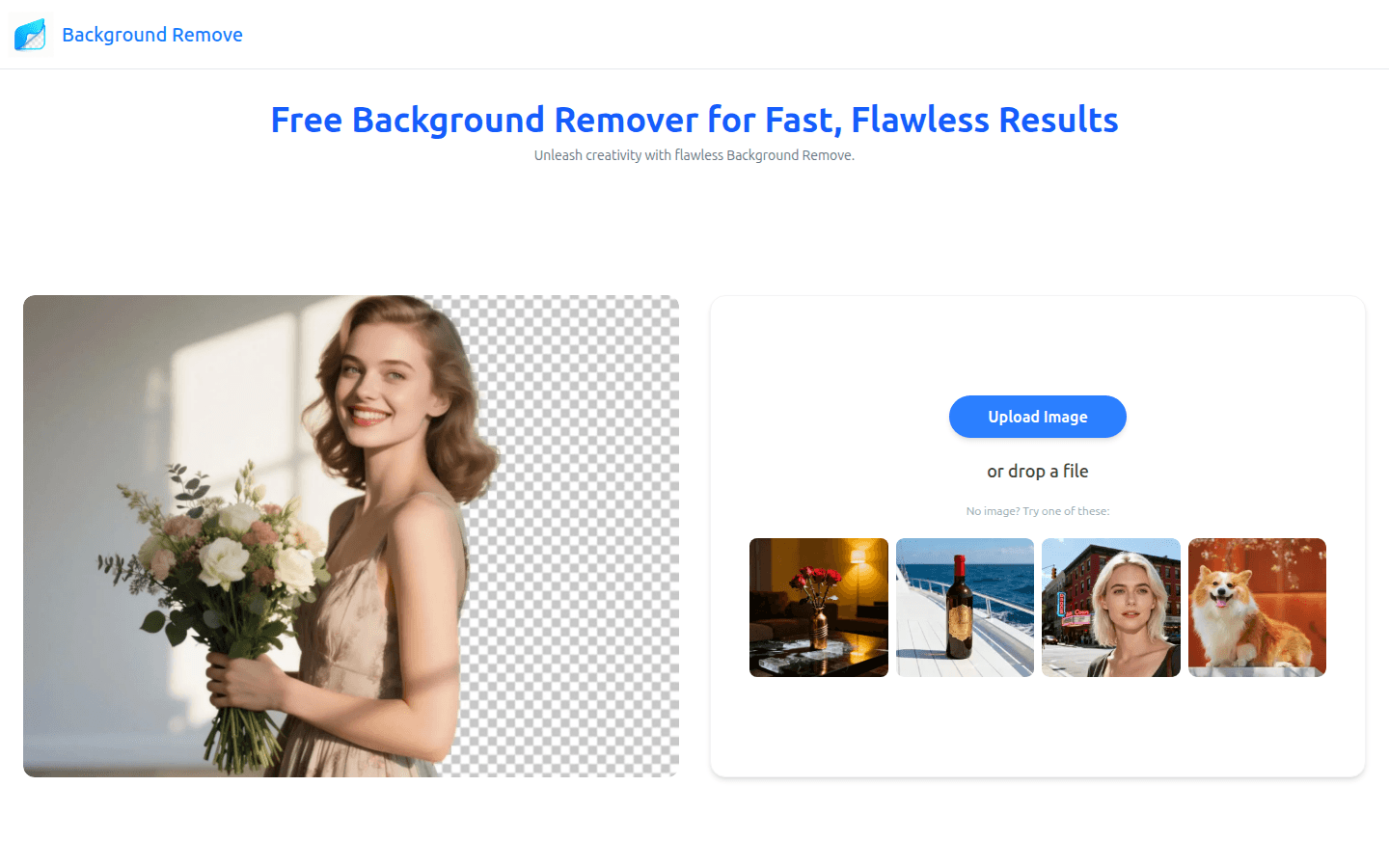
Screenshot archived from the listing page, for preview only.











