
AI Age
See a younger or older you in one clickYour face, younger or older
Highlights
What you can do with it
- See a possible future look for personal entertainment.
- Compare several age stages and share the best one.
- Show family what an aged portrait might look like.
How to use it
- 1 Upload a photo in a supported format.
- 2 Select the target age and gender.
- 3 Click Generate to see the new version.
- 4 Preview the result and download it as PNG or GIF.
Who it is for
Pros
- Free to use with no registration required.
- Results come back quickly after upload.
- Supports common formats and animated GIF output.
Limitations
- The 95 percent accuracy figure is the site's own claim.
- Uploading a face photo is a privacy decision worth thinking about.
- Free access and the file size limit may change.
What AI Age is
AI Age is an online age filter that shows a younger or older version of your photo. You upload an image, choose a target age, and the tool returns a transformed result within moments, with no waiting queue or account setup in the way. It supports several age stages so you can compare options rather than accepting the first output, and it accepts JPG, JPEG, PNG, and WebP files up to 20MB, which covers almost anything a phone camera produces. No registration is required, and results can be downloaded as a high definition PNG or an animated GIF, which makes them easy to drop into a chat or a post. The site describes the tool as free, states that uploaded photos are not stored, and claims a 95 percent accuracy rate based on scientifically verified ageing patterns and stable diffusion models. It is positioned for personal entertainment and social sharing rather than any professional use.
What you can do with it
- See a younger or older version of your own photo in one click.
- Compare several age stages before settling on one result.
- Download the outcome as a PNG or an animated GIF.
- Share the result with friends or family for a reaction.
Who it is for
- Curious users who want to try an age filter with no signup.
- People making playful content for friends and social posts.
- Anyone interested in a rough idea of how they might look later in life.
What to watch out for
The 95 percent accuracy figure is the site's own claim and cannot be independently verified, so keep expectations realistic and treat the output as an interpretation rather than a prediction of how you will age. Uploading a photo of your face is always a privacy decision, and it is worth reading the site's own data statement yourself rather than relying on a summary, even when the tool says images are not stored. Age filters also work best on a clear, front facing photo, and poor lighting, low resolution, or a heavy angle will show straight through in the result. Free access and the 20MB file limit may change over time, so check the current terms before you plan content around it.
FAQ
Is AI Age free to use?
The site describes it as free and says no registration is needed to get a result.
What files can I upload?
JPG, JPEG, PNG, and WebP, with a maximum file size of 20MB.
How accurate is the result?
The site claims 95 percent accuracy using verified ageing patterns and stable diffusion models. That is their own figure and cannot be independently verified.
Why it is free
What the official page says: 免费使用免费
Free limits, trial length and features are decided by the official site and can change at any time.
Product preview
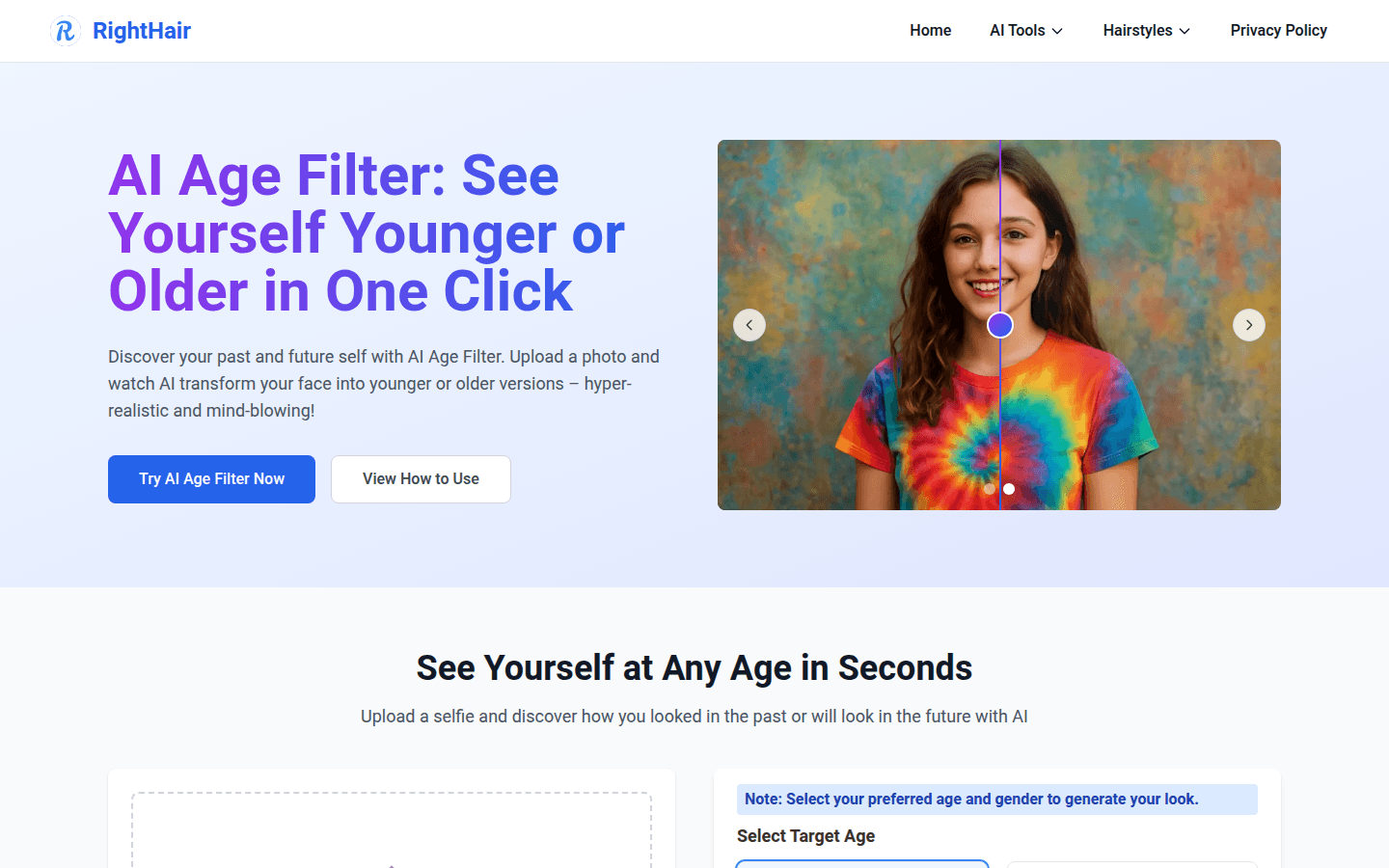
Screenshot archived from the listing page, for preview only.











