
AgileHero
Agile PM with an MCP server49 project tools for AI agents
Highlights
What you can do with it
- A development team manages Kanban work through VS Code and Copilot
- A project team plans epics and roadmaps with ChatGPT in the loop
- A research team keeps wiki notes and plans visually with Claude Code
How to use it
- 1 Register and log in on the AgileHero site
- 2 Follow the docs for your AI client and add the endpoint URL
- 3 Approve the connection in the browser when the client asks
- 4 Verify the connection with your client's list command
- 5 Start invoking AgileHero tools through the AI client
Who it is for
Pros
- Wide AI client support through one MCP server
- OAuth removes key handling from the setup
- A free version is available
- Validated markup prevents AI edits from breaking content
Limitations
- Feature availability differs between free, Team, and Enterprise
- Setup means following per-client documentation
- AgileHero Markup is a custom format you have to learn
- Behaviour depends on the external AI client you connect
What AgileHero is
AgileHero is agile project management software with a built-in MCP server that exposes 49 tools for AI agents. The premise is that project data should be reachable by the tools a team already uses, so the same backlog, epic, and roadmap information that lives in AgileHero can be read and updated by an AI client sitting in the editor. It covers the standard project surface: Kanban boards for task flow, backlogs for to-do items, epics and roadmaps for scope and schedule, and wikis and whiteboards for notes and visual planning. Connection runs through OAuth, so there is no key to create or paste and access can be revoked at any time. Tool references are generated from the server itself, which keeps documentation honest, and rich text uses AgileHero Markup, a validated format that prevents AI agents from mangling human-edited content.
What you can do with it
- Manage tasks on Kanban boards and keep a structured backlog
- Plan scope and schedule with epics and roadmaps
- Connect AI clients such as Claude Code, VS Code, Copilot, Codex, Zed, and ChatGPT
- Let an AI agent list, read, and update project items through 49 tools
- Authenticate through OAuth instead of handling keys
- Keep wiki and whiteboard content safe from accidental AI rewrites
Who it is for
Software development teams running agile ceremonies get project state without leaving the editor, which removes a context switch on every task update. Project management teams planning large scopes use the epic and roadmap structure, with an AI client available to summarise or stress-test a plan. AI research teams that already work inside AI-assisted editors get project records and visual planning in the same place. Any team that has standardised on one of the supported AI clients and wants project management to follow them there is a fit.
What to watch out for
Feature availability varies across the free, Team, and Enterprise editions, so check which plan carries the capabilities you need before rolling it out. Setup is per client: each AI tool has its own endpoint configuration and verification command, and you follow the documentation for the one you use. AgileHero Markup is a proprietary format, which is a small learning cost if you plan to author rich content directly. Finally, the value depends on the external AI client you connect; if that client changes its MCP behaviour, the integration may need attention.
FAQ
Which AI clients work with AgileHero?
Claude Code, VS Code, GitHub Copilot, Codex, Zed, GitHub Copilot CLI, Claude web, desktop and Cowork, and ChatGPT are listed.
How do I connect it?
Add the endpoint URL as described in the documentation for your client, then approve the OAuth prompt in your browser.
Is there a free version?
Yes. There is a free version alongside Team and Enterprise editions, with feature availability varying by plan.
What is AgileHero Markup?
It is a strictly validated markup format used for rich text so AI agents cannot corrupt content that humans edited.
Why it is free
What the official page says: free version
Free limits, trial length and features are decided by the official site and can change at any time.
Product preview
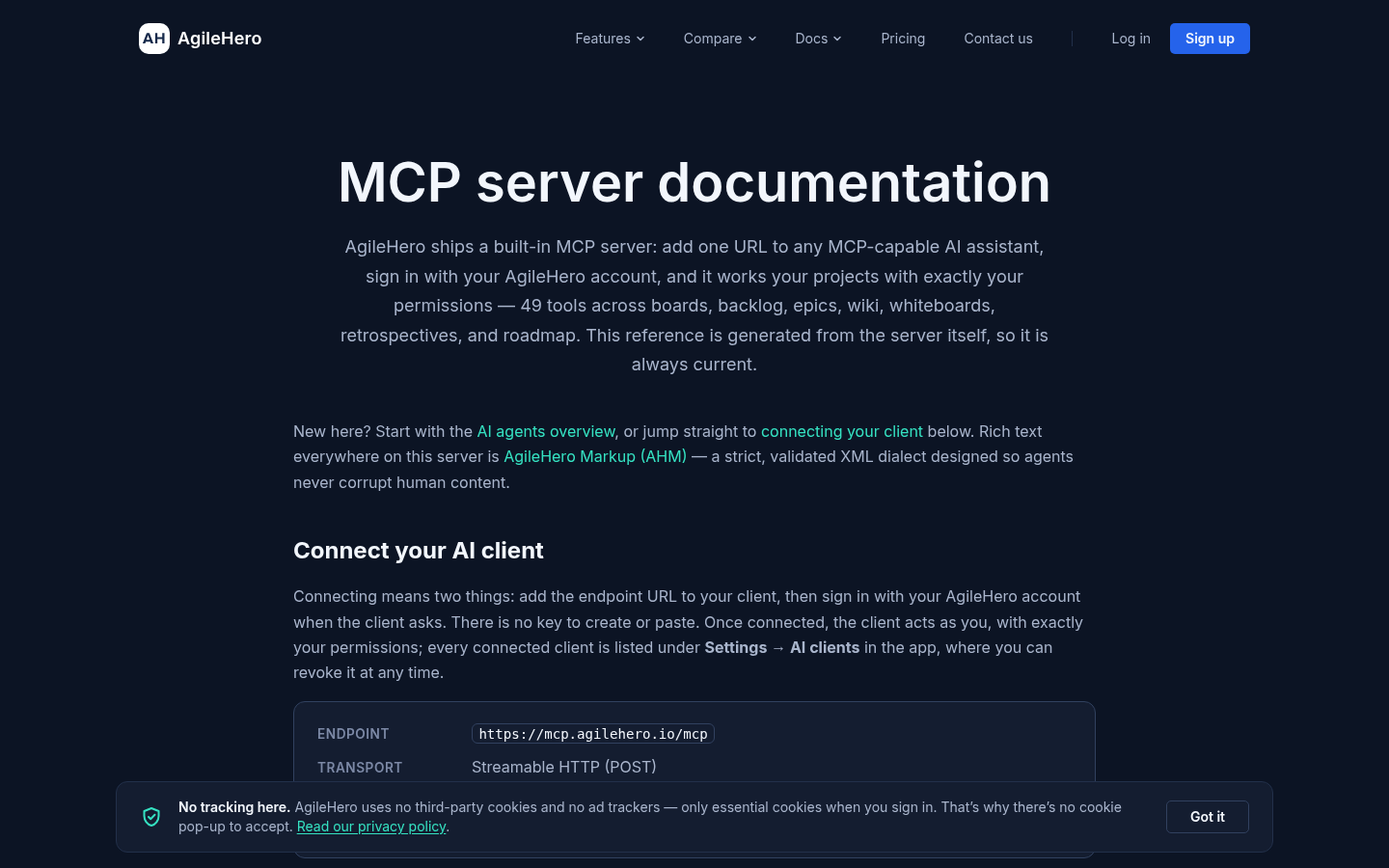
Screenshot archived from the listing page, for preview only.











