
AgentHub 2.0
macOS home for coding agentsClaude Code and Codex in one window
Highlights
What you can do with it
- Developers running parallel agent sessions on branches
- Designers passing diagram context to a coding agent
- Managers reviewing pull requests next to the session
How to use it
- 1 Install the CLI tools you need and authenticate
- 2 Download the signed macOS app from GitHub Releases
- 3 Open it and manage Claude Code and Codex sessions
- 4 Add MCP apps and the simulator as needed
Who it is for
Pros
- Local first, with sessions on your machine
- Documentation lists no charge
- Combines agent management with review tools
Limitations
- macOS only, so other platforms are out
- Setup requires CLI tools and authentication
- Free status is inferred, not stated as a policy
What AgentHub 2.0 is
AgentHub 2.0 is a native macOS application that puts Claude Code and Codex CLI into one workspace. Panels split horizontally and vertically, so several agent sessions can run side by side instead of across separate terminal windows. Isolated working trees can be created and a session attached to each, which keeps parallel tasks readable. An embedded iOS simulator lets you interact with live UI elements and turn what you see into a precise change request for the agent. MCP applications such as Excalidraw open in the sidebar, keeping diagrams beside the code. Diffs are reviewed inline, GitHub pull requests are shown next to the session, and generated plans can be checked before they run. The app is local first, and the documentation lists no charge.
What you can do with it
- Run Claude Code and Codex sessions in one window
- Create isolated working trees for parallel work
- Use the embedded simulator to send visual feedback
- Review diffs and pull requests inline with the session
Who it is for
- macOS developers who work with coding agents daily
- Designers passing diagram context to an agent
- Project managers tracking pull requests and issues
- Anyone tired of juggling several terminal windows
What to watch out for
This is macOS only. Windows and Linux users are out of luck, and there is no web fallback. Setup assumes the CLI tools are installed and authenticated, plus optional pieces such as GitHub CLI, the Xcode simulator, and MCP applications, so first launch takes preparation. The documentation lists no charge, which is why it appears as free here, but that is an inference from the docs rather than a published pricing policy, so verify before relying on it for a team rollout.
FAQ
Which platform?
macOS only.
Which agents?
Claude Code and Codex CLI.
Does it cost anything?
The documentation lists no charge.
Why it is free
What the official page says: free of charge
Free limits, trial length and features are decided by the official site and can change at any time.
Product preview
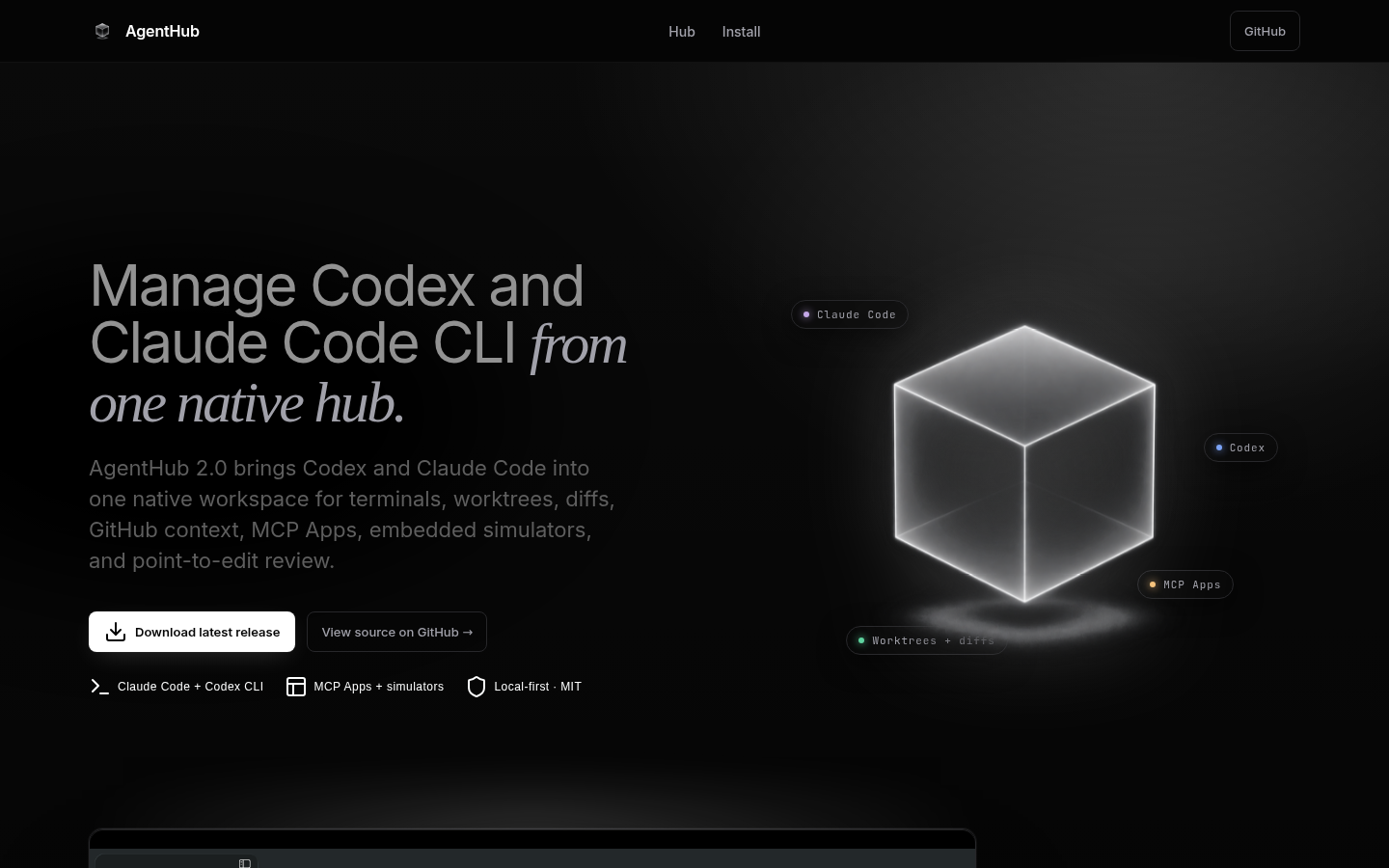
Screenshot archived from the listing page, for preview only.











