Agata
AI grammar, style, and translation tool for Windows and MacCorrect, polish, and translate text in any app
Highlights
What you can do with it
- A writer fixes grammar and smooths sentences in a novel
- A student corrects grammar and translates terms in a paper
- A business person polishes the tone of an email
How to use it
- 1 Download and install the Windows or Mac client
- 2 Open it and set up the basic mode with your API key or subscribe to Pro
- 3 Copy the text you want to process from any app
- 4 Paste it into Agata and pick correction, style, or translation
- 5 Copy the processed text back into your original app
Who it is for
Pros
- Works across any application on Windows and Mac
- Free basic mode if you bring your own key
- Covers correction, style, and translation in one tool
- Pro plan is low cost at $5.99 per month
Limitations
- Basic mode needs your own API key, and Pro pricing can change
- Suggestions still need your review for tone and accuracy
- Translation quality varies by language pair
- Windows and Mac only, no mobile version noted
What Agata is
Agata is an AI text correction and translation tool designed for Windows and Mac. It corrects grammar errors, optimizes style, and translates text, and it works inside any application so you can fix writing where you already are instead of copying between tools. There is a basic mode where you bring your own API key, and a professional version that gives unlimited access to Gemini Flash 2.5 for heavier use. The basic mode is free, and the professional version costs $5.99 per month. It is built for writers, students, and business people who want cleaner, more accurate text, and it is a productivity aid, so you still review the final wording yourself.
What you can do with it
- Correct grammar errors in any Windows or Mac application
- Optimize style so text reads more fluent and professional
- Translate text across languages inside your workflow
- Switch between a free basic mode and a paid professional version
Who it is for
- Writers and copywriters who need clean, readable prose
- Students writing papers, assignments, and term work
- Business people drafting documents, emails, and reports
- Anyone who wants quick correction and translation without new tools
What to watch out for
The basic mode needs your own API key, so there is setup and a cost on your side, and the professional version at $5.99 per month can change over time. Suggestions are a starting point, and you still need to review tone and accuracy before you send or publish, since the tool cannot know your intent. Translation quality varies by language pair, so check important text and do not rely on it for legal or medical wording. It is listed for Windows and Mac, with no mobile version noted, so plan accordingly if you work on a phone or tablet.
FAQ
What is Agata?
It is an AI tool for Windows and Mac that corrects grammar, optimizes style, and translates text in any app.
Is there a free option?
Yes, the basic mode is free but requires your own API key; the professional version is $5.99 per month.
Who is it for?
Writers, students, and business people who want cleaner, more accurate text.
Why it is free
What the official page says: 免费
Free limits, trial length and features are decided by the official site and can change at any time.
Product preview
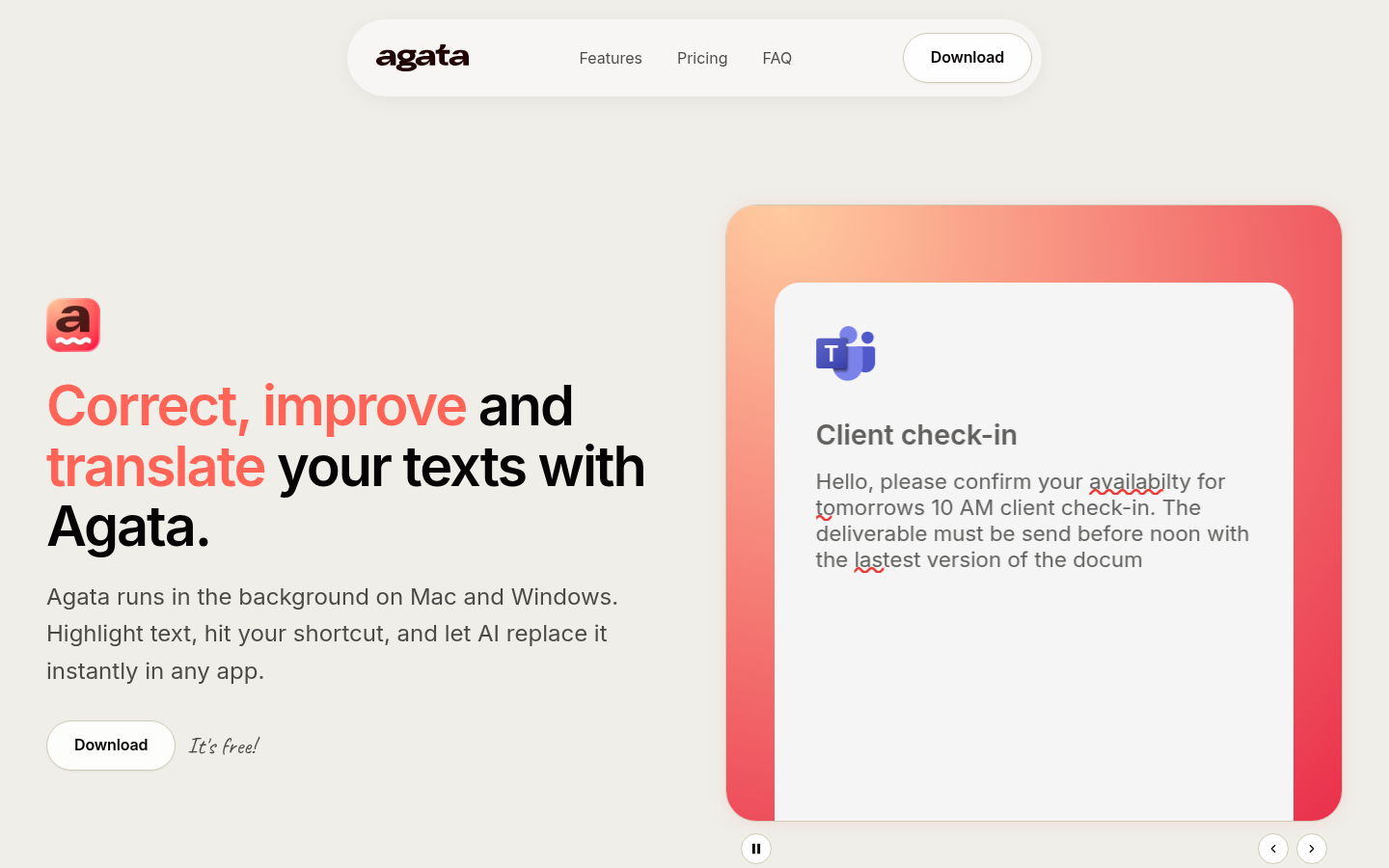
Screenshot archived from the listing page, for preview only.