
Adoptly
In-app announcements for SaaS product updatesShip feature announcements without writing code
Highlights
What you can do with it
- A SaaS team announces a new feature to paying users with a modal
- A startup introduces a new release with a targeted prompt
- A large enterprise ships a banner update and reads the adoption data
How to use it
- 1 Register at useadoptly.com and log in.
- 2 Create an announcement and choose modal, banner, or prompt.
- 3 Write the message and set colors, type, layout, and spacing.
- 4 Set the audience using plan, page, trigger, language, device, date, or tags.
- 5 Publish, then read the click-through, view, and adoption numbers.
Who it is for
Pros
- Free plan available for teams at the release stage
- No code needed to design, update, or publish an announcement
- Precise targeting reduces noise for users who do not care
- Analytics tie an announcement to actual feature adoption
Limitations
- Pricing scales with monthly active users, so growth raises cost
- Badly targeted announcements annoy users, so targeting needs thought
- Free plan limits are not detailed in the listing
- Requires a small code install and a sense of what your users need
What Adoptly is
Adoptly handles in-app announcements for SaaS products. Instead of a release note nobody reads, you get a modal, banner, or prompt inside the product itself, aimed at the users it actually concerns. Product and marketing teams build these themselves, which keeps engineering out of the loop. Targeting runs on payment plan, page content, trigger conditions, language, device, date, and tags, so you can show an update to paying users on a specific screen without bothering everyone else. Analytics then report click-through rate, view rate, and adoption rate, which tells you whether the announcement changed behavior. Install is three lines of code, and pricing is based on monthly active users, with a free plan for smaller teams.
What you can do with it
- Create modals, banners, and prompts for new features and releases.
- Match the announcement to your product through color, type, layout, and spacing controls.
- Target specific segments by plan, page, trigger, language, device, date, or tag.
- Measure whether people clicked, viewed, and actually adopted the feature.
- Publish and update announcements without waiting on a release cycle.
Who it is for
- Early-stage SaaS teams that want a free plan while they are still shipping.
- Fast-growing products that release updates every week.
- Product and marketing staff who need to move without an engineering ticket.
What to watch out for
Pricing is tied to monthly active users, which is reasonable until you grow. At that point the cost of an announcement tool can start to feel heavy relative to the value of any single banner, so check the tiers against your own traffic before you commit. Targeting is the other trap: an announcement shown to everyone on every page trains people to dismiss your modals, and that habit is hard to undo. The free plan limits are not spelled out in the listing, so treat them as a starting point rather than a long-term answer. Finally, this is a delivery mechanism, not a strategy. It will not tell you which features deserve an announcement, and adoption numbers only mean something if you already know what good looks like.
FAQ
Is there a free plan?
Yes. The listing describes a free plan alongside paid tiers, with pricing based on monthly active users.
How precise is the targeting?
You can target by payment plan, page content, trigger conditions, language, device, date, and tags.
Do I need a developer?
No. Product and marketing teams can design, update, and publish announcements themselves. Engineering only handles the initial three-line install.
Why it is free
What the official page says: free plan
Free limits, trial length and features are decided by the official site and can change at any time.
Product preview
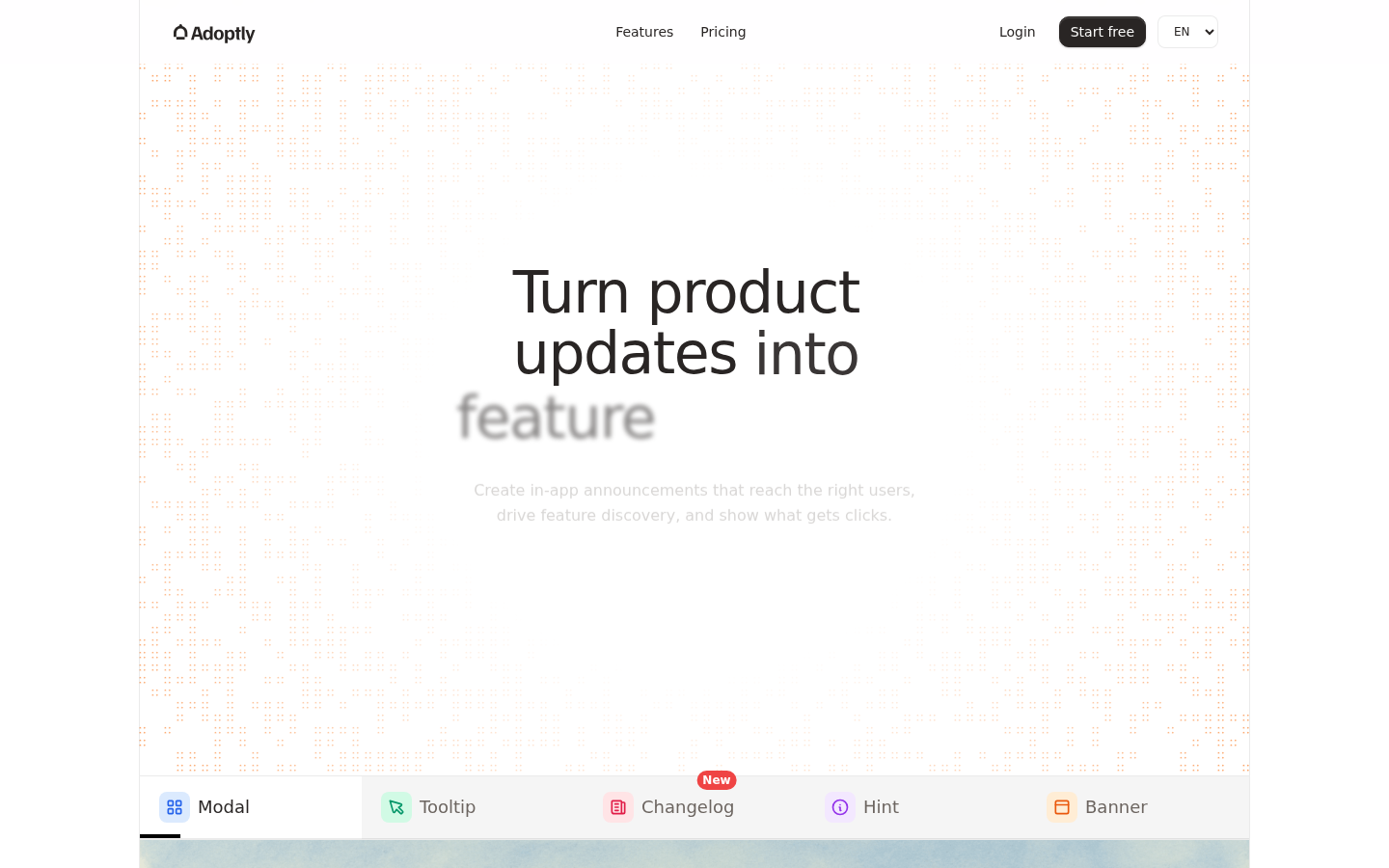
Screenshot archived from the listing page, for preview only.











