
Adobe Firefly Video Generation
Adobe AI video generation (beta)Make video clips from prompts or images
Highlights
What you can do with it
- Create a short travel or scenery clip from a prompt
- Turn product images into a dynamic showcase video
- Make animated explainer clips for reports
How to use it
- 1 Visit the Firefly site and log in
- 2 Choose the video generation feature
- 3 Enter a text prompt or upload an image
- 4 Set style and length, then generate
- 5 Preview, edit, and export in HD
Who it is for
Pros
- Free to use during the beta period
- Simple prompt or image to video workflow
- Real-time preview and HD export
Limitations
- Free only during beta; pricing may change later
- Clip length and control are limited
- Output quality can vary by prompt
What Adobe Firefly Video Generation is
Adobe Firefly Video Generation is an AI-powered tool that creates high-quality video clips from a short text prompt or an uploaded image. It uses advanced AI trained on large amounts of video data to automate creation. You can choose from several styles such as realistic, cartoon, and sci-fi, set the clip length, preview in real time, and export in HD. It is aimed at creative professionals, video producers, and anyone who needs quick video content. The product is currently in beta and available for free, with future pricing still to be decided.
What you can do with it
Here is what you can do with the tool:
- Generate a video clip from a short text prompt
- Turn a still image into a moving video
- Pick a style and set the clip length
- Preview in real time and export in HD
Who it is for
It suits several groups:
- Creative professionals who need quick clips
- Short video creators making content fast
- Marketers turning product images into video
What to watch out for
The tool is free during beta, but pricing and access can change once the beta ends, and it depends on an external service you do not control. Clip length and fine control are limited, so it suits short sequences rather than long edits. Output quality varies by prompt, so you may need several tries to get the shot you want. Since it is still in beta, features may shift, so keep your own copies of any clip you plan to use. Behavior may vary across browsers and devices, so test before production use and consult the help docs if errors appear.
FAQ
Is it free?
It is currently free during beta testing, though pricing may change later.
What inputs does it take?
Short text prompts or an uploaded image.
Can I choose the style?
Yes, you can pick from styles like realistic, cartoon, and sci-fi.
Why it is free
What the official page says: for free
Free limits, trial length and features are decided by the official site and can change at any time.
Product preview
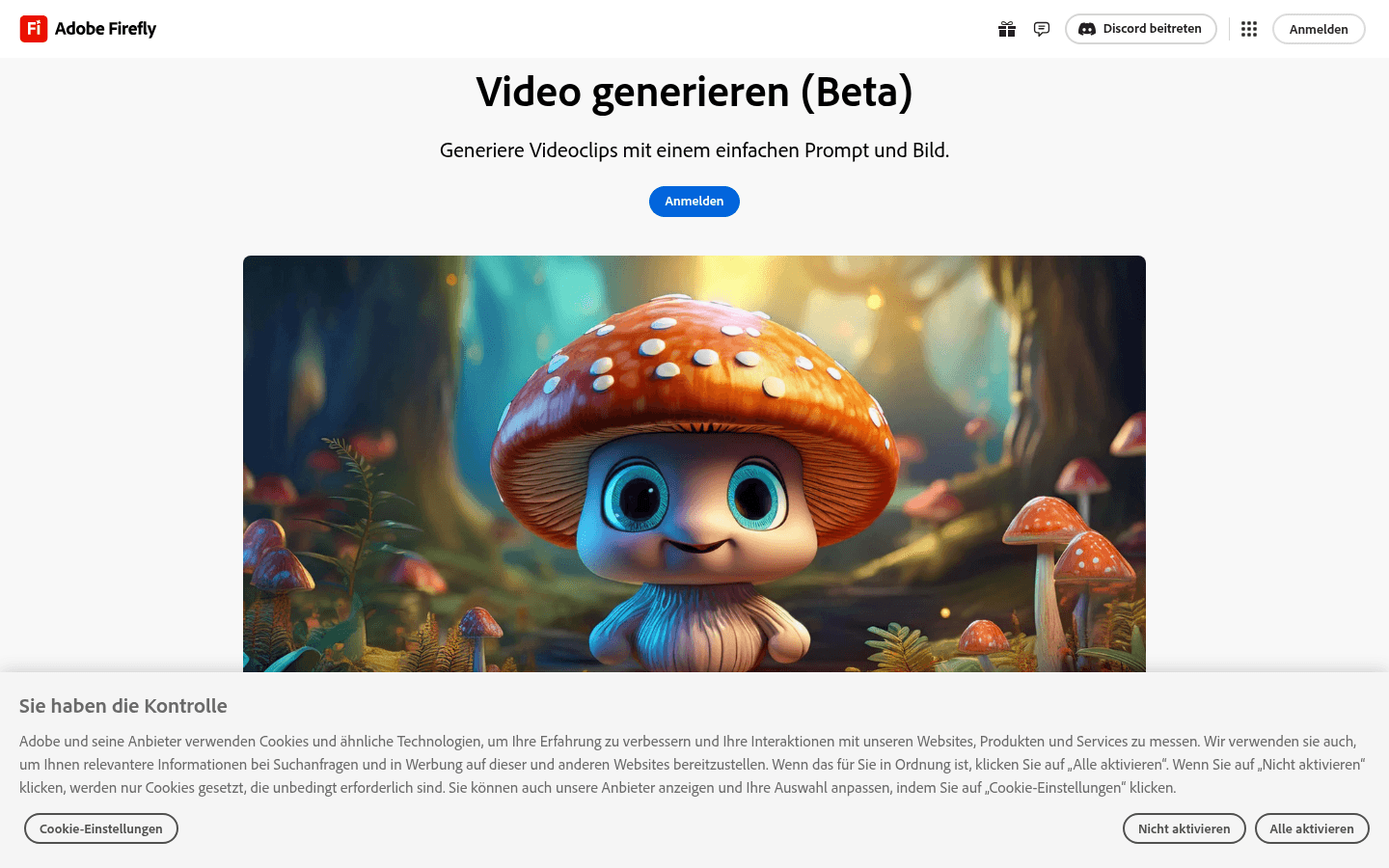
Screenshot archived from the listing page, for preview only.











