
AdCreative.ai
AI ad creative generator for marketersGenerate ad creatives, images, videos, and copy
Highlights
What you can do with it
- Marketers who need many ad variants for testing across channels.
- Teams producing scaled ad campaigns without a large in-house design staff.
- Advertisers who want AI-generated images, videos, and copy in a single workflow.
How to use it
- 1 Sign up on the AdCreative.ai website and start the free trial.
- 2 Enter your product or brand details so the AI understands what to promote.
- 3 Generate ad creatives, images, videos, and copy from your input.
- 4 Review the output and keep the variants you want to use.
- 5 Export or connect to your ad platform and launch the campaign.
Who it is for
Pros
- Covers ideas, images, videos, and copy in one tool.
- Uses data from $35 billion in ad spend to guide optimization, per the product description.
- Free trial lets you evaluate the workflow before committing to a paid plan.
Limitations
- Free access is a trial; the vendor can change trial terms and paid pricing at any time, and paid pricing is not detailed in the source.
- Results depend on the input and prompts you provide, so quality can vary between projects.
- Built around ad creative generation and testing, so it is not a full campaign manager or analytics suite.
What AdCreative.ai is
AdCreative.ai is an AI-powered advertising creative tool made for marketers. Its main job is to generate ad ideas, images, videos, and copy so that teams can move faster in the ad production process. The product description frames it as a solution to two common problems: a lack of creative ideas and low production efficiency. It says the tool can quickly produce high-converting creatives, analyze and optimize using data drawn from $35 billion in ad spend, and create multiple ad sizes and variations. The site also states that over 4.2 million businesses have used it. A free trial is offered, with paid plans for heavier use, so the free access is a trial rather than a permanent free tier. In short, it is positioned as a way for marketers to scale campaigns and improve return on ad spend.
What you can do with it
- Generate ad ideas, images, videos, and copy from your input.
- Create multiple ad sizes and variations from a single concept for testing.
- Analyze and optimize creatives using data drawn from large-scale ad spend.
- Move from idea to a ready-to-run creative faster than manual production.
Who it is for
- Performance marketers who run paid campaigns at scale.
- Small teams that need many creatives without a large design staff.
- Advertisers who want to test multiple variants to find what converts.
What to watch out for
Free access here is a trial, so the vendor can change trial terms and paid pricing at any time, and the specific paid pricing is not detailed in the source. Output quality depends heavily on the input and prompts you provide, and on how clearly you describe your product and brand, so results can vary between projects. It is built around ad creative generation and testing, so it is not a full campaign manager or analytics suite, and tasks like bidding, tracking setup, and reporting sit outside its scope. New users may also need time to learn which prompts and settings produce usable creatives, and the tool works more reliably when you already have a clear idea of what you want to promote.
FAQ
Is AdCreative.ai free to use?
It offers a free trial so you can test the workflow. Regular use requires a paid plan, and the specific pricing is not detailed in the source material.
What can it generate?
It generates ad ideas, images, videos, and copy, and can create multiple ad sizes and variations from one concept.
Who is it for?
It is aimed at marketers who need to scale ad campaigns and produce many creative variants for testing.
Why it is free
What the official page says: 免费试用免费
Free limits, trial length and features are decided by the official site and can change at any time.
Product preview
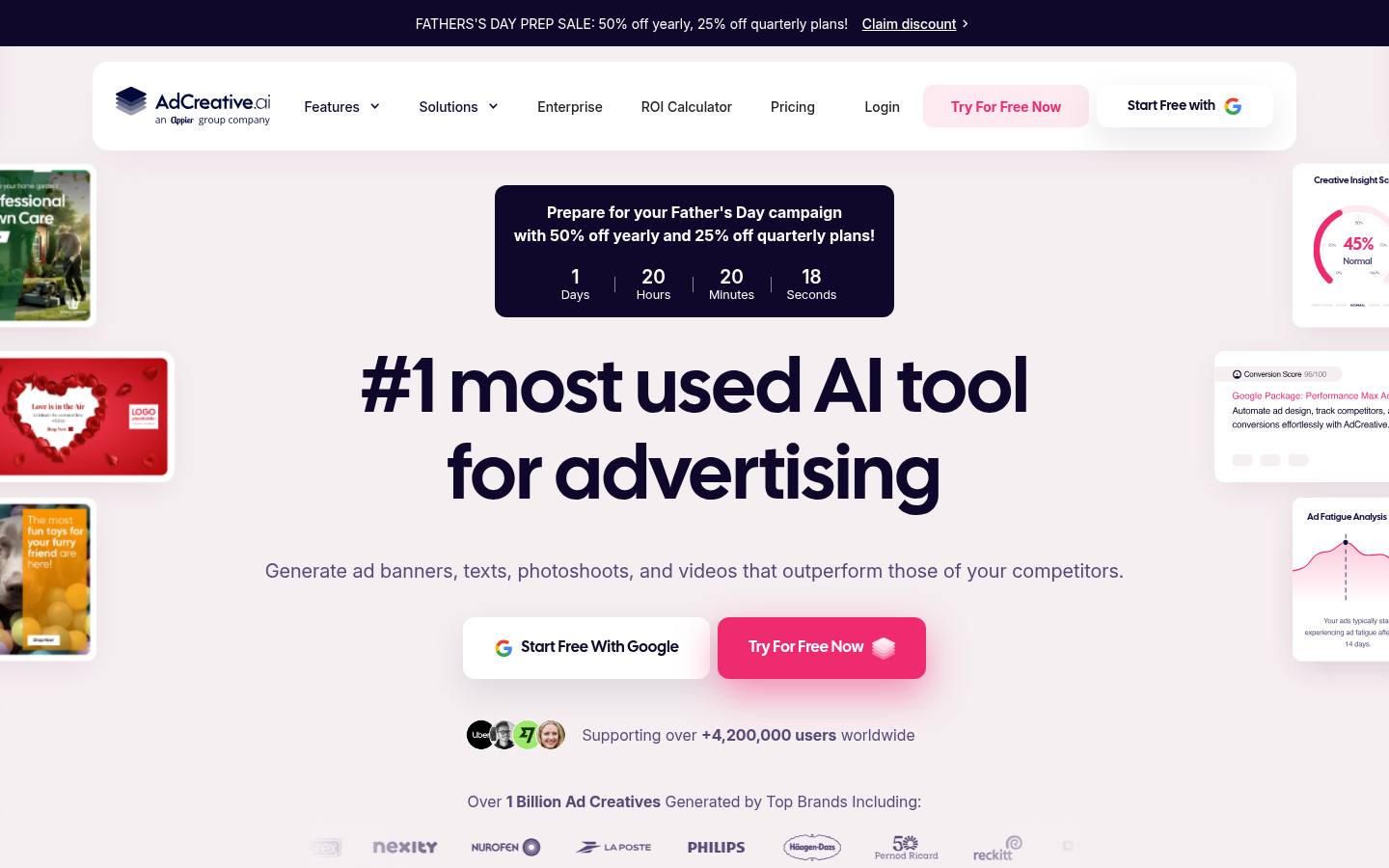
Screenshot archived from the listing page, for preview only.