
ACODA
AI suite for image and video creation with a free trial.Generate and edit images, video, and designs in one studio.
Highlights
What you can do with it
- Create product photos for an online store without a studio
- Design a logo, poster, or ad creative from a short prompt
- Turn a text script into a short cinematic video for social media
How to use it
- 1 Visit acoda.com and sign up to claim the free trial.
- 2 Pick a module such as Create Image or Create Video.
- 3 Enter your prompt or upload reference images and clips.
- 4 Adjust with the editing tools, then preview and export your work.
Who it is for
Pros
- Many creative tools in one place, from image to video to design
- Free trial to test the models before paying
- Product and character features suit e-commerce and marketing work
Limitations
- Continued use is paid once the free trial ends
- Generated results can vary and may need several attempts
- Creating AI models or try-on content should respect likeness and consent
What ACODA is
ACODA is an AI creative suite that puts image and video generation in one workspace. It uses current AI models to turn text and image prompts into visuals, edit pictures with camera-style control, and animate stills or clips into short cinematic videos. Beyond generation, it includes design tools for flyers, ads, and layouts, product photography features for e-commerce, and character and virtual try-on tools for user-generated content. You can also build logos, graphics, and other visual designs. Access begins with a free trial, and continued use is paid after that. It is aimed at designers, online sellers, content creators, and everyday users who want one place for both quick ideas and finished assets.
What you can do with it
- Generate images from text or reference prompts
- Turn scripts, stills, or clips into short cinematic videos
- Edit images with camera control and precise object placement
- Create product photos and virtual try-on visuals for e-commerce
- Design flyers, ads, logos, and social graphics
Who it is for
- Professional designers who need fast concepts and final artwork
- E-commerce sellers building product photos and marketing visuals
- Content creators producing images and video for social platforms
- Everyday users who want polished visuals without deep design skills
What to watch out for
The free trial is limited, and regular use requires a paid plan. AI output can be unpredictable, so plan for several tries and manual clean-up on important work. Features that create AI models or virtual try-on content should respect likeness and consent, and you should avoid using real people's images without permission. Results also depend on the underlying models, which can change over time and shift what the tool produces.
FAQ
Is there a free trial?
Yes. ACODA offers a free trial when you sign up, after which use is paid.
What can it create?
It generates and edits images and video, and supports design work like flyers, ads, logos, and layouts.
Who is it for?
It suits designers, e-commerce sellers, content creators, and everyday users who need AI visuals.
Why it is free
What the official page says: 免费试用免费
Free limits, trial length and features are decided by the official site and can change at any time.
Product preview
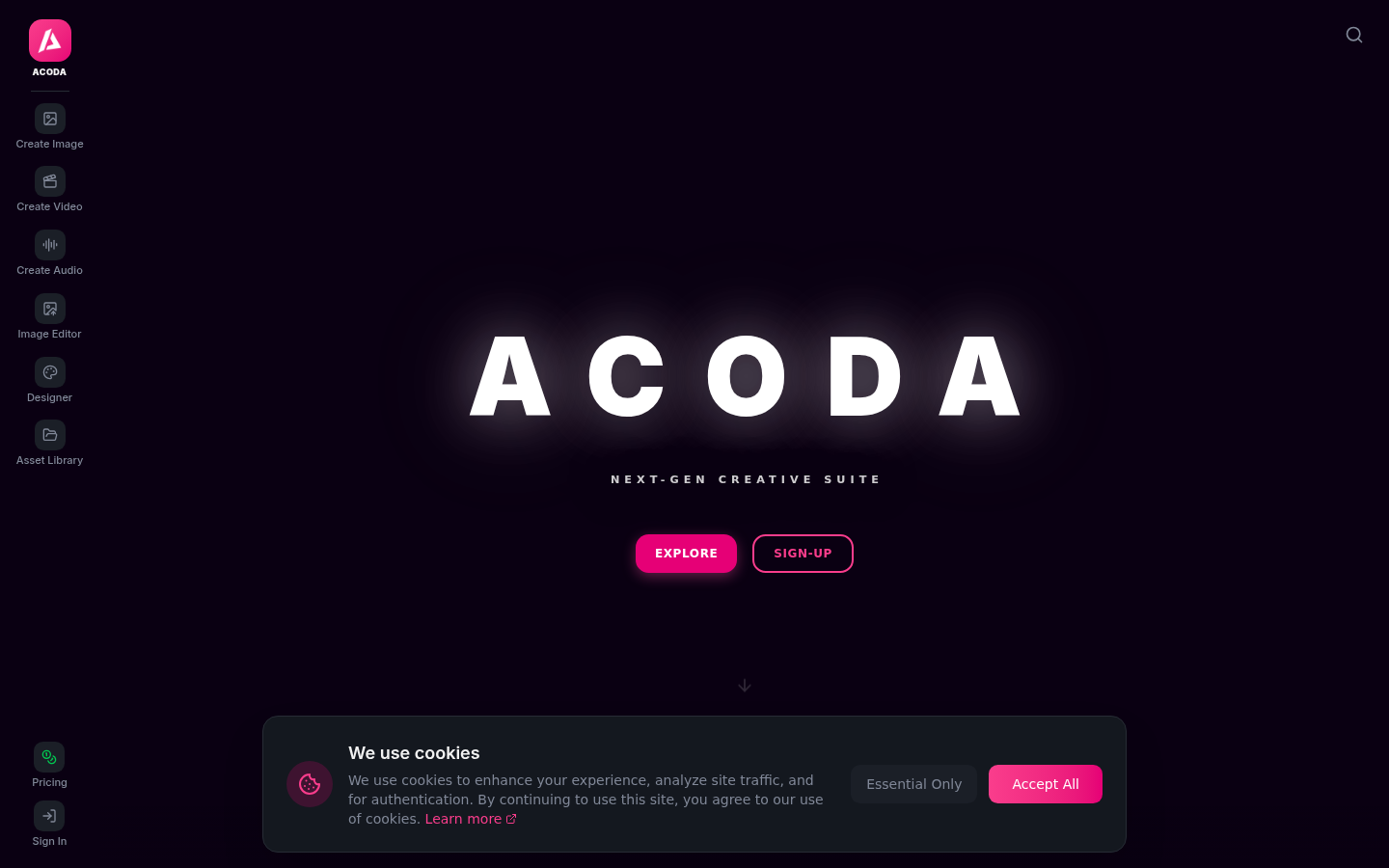
Screenshot archived from the listing page, for preview only.











