
Abstraction
AI illustration tool that outputs editable SVGBrand-matched editable SVG illustrations, exported as React components
Highlights
What you can do with it
- A product team generates on-brand landing page illustrations and ships the page faster
- A marketing team creates promotional posters with animated elements for campaigns
- A developer embeds generated React components in an onboarding flow
How to use it
- 1 Describe the illustration you need in natural language, such as a hero illustration for onboarding
- 2 Select any element and ask for changes, for example making it larger or curvier, and the system rewrites that element
- 3 Export the result as SVG or PNG, or as a React component, and add animation on the timeline if you need it
Who it is for
Pros
- Output is editable vector art, not a locked raster image
- React component export removes a step between design and code
- Brand kit keeps a consistent look across many illustrations
- Template library and instant controls let you iterate without full regeneration
Limitations
- The free trial gives a limited number of generations, and the rules around it may change
- Illustration style is not identical to raster image models, so it suits flat vector looks better than photoreal work
- Complex compositions with many elements still need refinement and cleanup
- Element-level editing is powerful but takes time to learn how to phrase requests well
What Abstraction is
Abstraction is an AI illustration tool that turns a text description into an editable SVG vector illustration. The difference from a typical image generator is structure: the result is made of separate named elements that you can select and adjust, and you can edit a single element by describing the change in plain language. It is aimed at product and marketing teams, with use cases such as landing pages, empty states, onboarding screens, and marketing materials. A free trial is available, with a limited number of free generations and no credit card required.
What you can do with it
- Describe an illustration in natural language and receive a full composition built from editable elements
- Select any element and ask for a change, with only that element rewritten
- Export as SVG, PNG, or a React component that drops into a codebase
- Animate individual elements on a built-in timeline and export animated SVG
Who it is for
- Product teams needing brand-consistent illustrations for pages and flows
- Marketing teams creating posters, ads, and campaign visuals
- Developers building in React who want ready components instead of image files
What to watch out for
The free trial is limited, and the number of free generations and the surrounding rules can change, so check the current offer before planning a project around it. Because the output is structured vector illustration, it fits flat, graphic styles better than painterly or photorealistic work. Detailed scenes with many elements still need manual refinement to look right. Element-level editing is the main advantage, but getting good results means learning to describe changes clearly. For best results, start with a small test file and review the output carefully before working on anything important.
FAQ
Can I try Abstraction for free?
Yes, there is a free trial, and the page says you can generate illustrations a limited number of times without a credit card.
How is this different from other AI image tools?
Each element it generates is a separate, named, editable SVG object, so you can select and change parts of the illustration instead of starting over.
Can developers use the output directly?
Yes, it exports React components that can be embedded in a code library, alongside standard SVG and PNG export.
Can I keep illustrations on brand?
A brand kit lets you save color palettes and style preferences so generated illustrations stay consistent.
Why it is free
What the official page says: for freefree trial
Free limits, trial length and features are decided by the official site and can change at any time.
Product preview
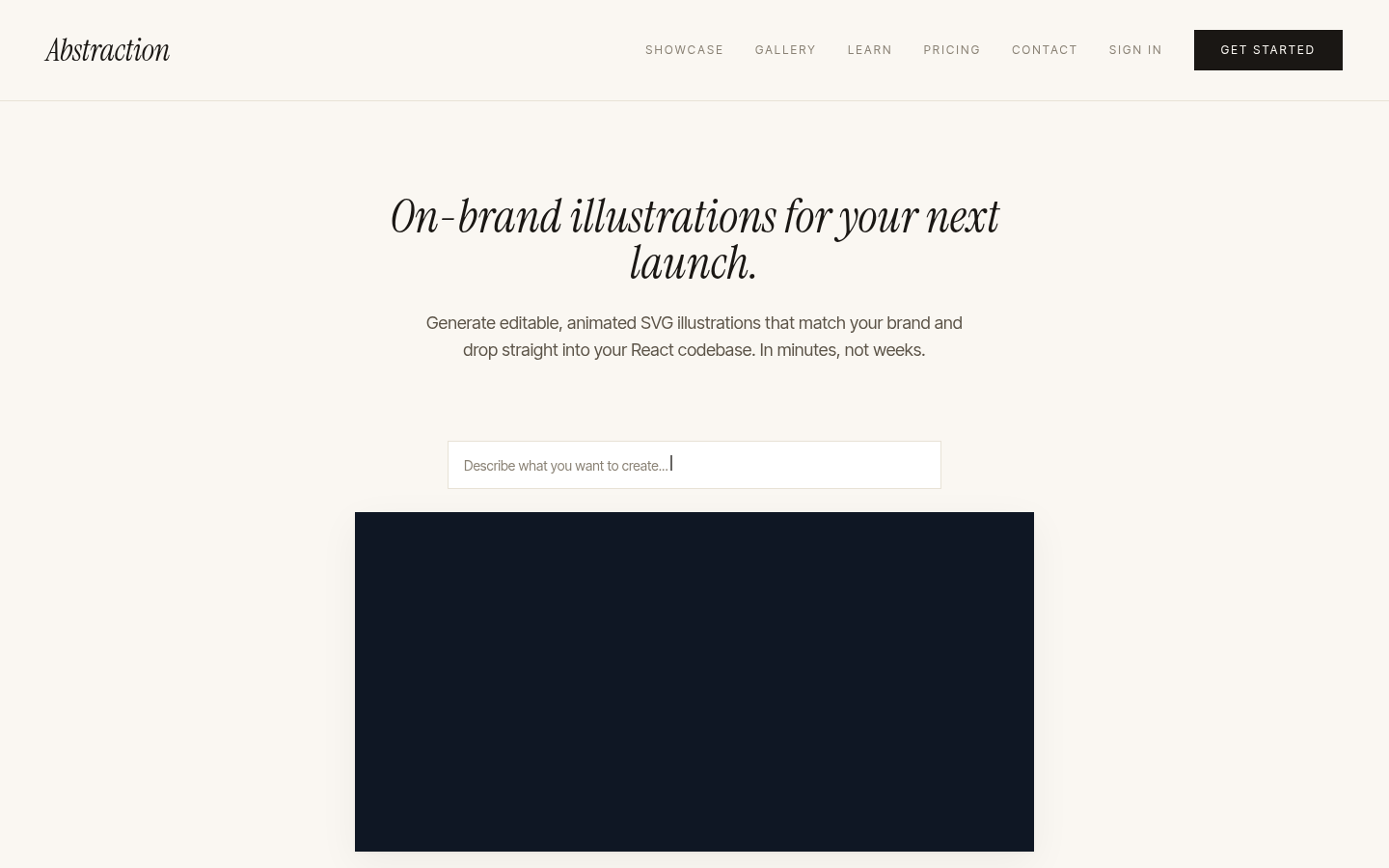
Screenshot archived from the listing page, for preview only.











