A2E AI Video Generator Turn text & images into cinematic video
Free AI video generator for text and imagesScript in, video out, in seconds
Highlights
What you can do with it
- Turn a written scene into a shareable clip
- Animate a still photo into a short video
- Produce a training video with an AI presenter
How to use it
- 1 Enter a text description or upload an image
- 2 Pick a style and aspect ratio
- 3 Preview, then export and share
Who it is for
Pros
- Free plan covers basic generation and export
- Wide feature set in one browser tool
- Avatars and subtitles help with multilingual reach
Limitations
- Free plan limits length and resolution; Pro is needed for more
- Generated video still needs a human review for accuracy
- Model updates and plan terms can change over time
What A2E AI is
A2E AI is a free online AI video generator. It converts text or images into high definition video in seconds, with no filming and no editing timeline. Type a script and it builds shots, scenes and camera movement, or upload a still image and it adds motion, lighting and camera changes while keeping the subject intact. On top of that it offers AI avatars with multilingual lip sync, one click voiceover from a library of 100 natural voices, automatic multilingual subtitles, 4K enhancement, smart trimming and style conversion into looks such as anime, oil painting, watercolor and cyberpunk. The free plan covers basic generation and export, and A2E Pro unlocks longer duration, higher resolution and more features.
What you can do with it
- Turn a written script into a shareable video clip
- Animate a photo with movement and lighting
- Use an AI avatar with lip sync for talking head video
- Restyle an existing clip into an artistic look
Who it is for
- Content creators who publish video regularly
- Entrepreneurs who need corporate video on a budget
- Brand bloggers working without a production team
What to watch out for
The free plan is a starter tier. Longer clips, higher resolution and the more advanced tools sit behind A2E Pro, so plan for a subscription if you publish often. Generated output is fast but not final: check text rendering, lip sync timing and any factual claim in the voiceover before you publish. Because the tool relies on upstream models, quality and feature availability can shift between visits. Keep your scripts clear and specific, since vague prompts produce vague shots.
FAQ
Is A2E AI free?
There is a free plan that covers basic video generation and export, and A2E Pro adds longer duration, higher resolution and more advanced features.
What inputs does it accept?
Text scripts and still images. Text to video generates shots and camera movement, and image to video adds motion and lighting to a photo.
Can it make multilingual videos?
Yes. The AI avatars support multilingual lip sync, and the platform offers 100 voices with automatic multilingual subtitles.
Why it is free
What the official page says: free plan
Free limits, trial length and features are decided by the official site and can change at any time.
Product preview
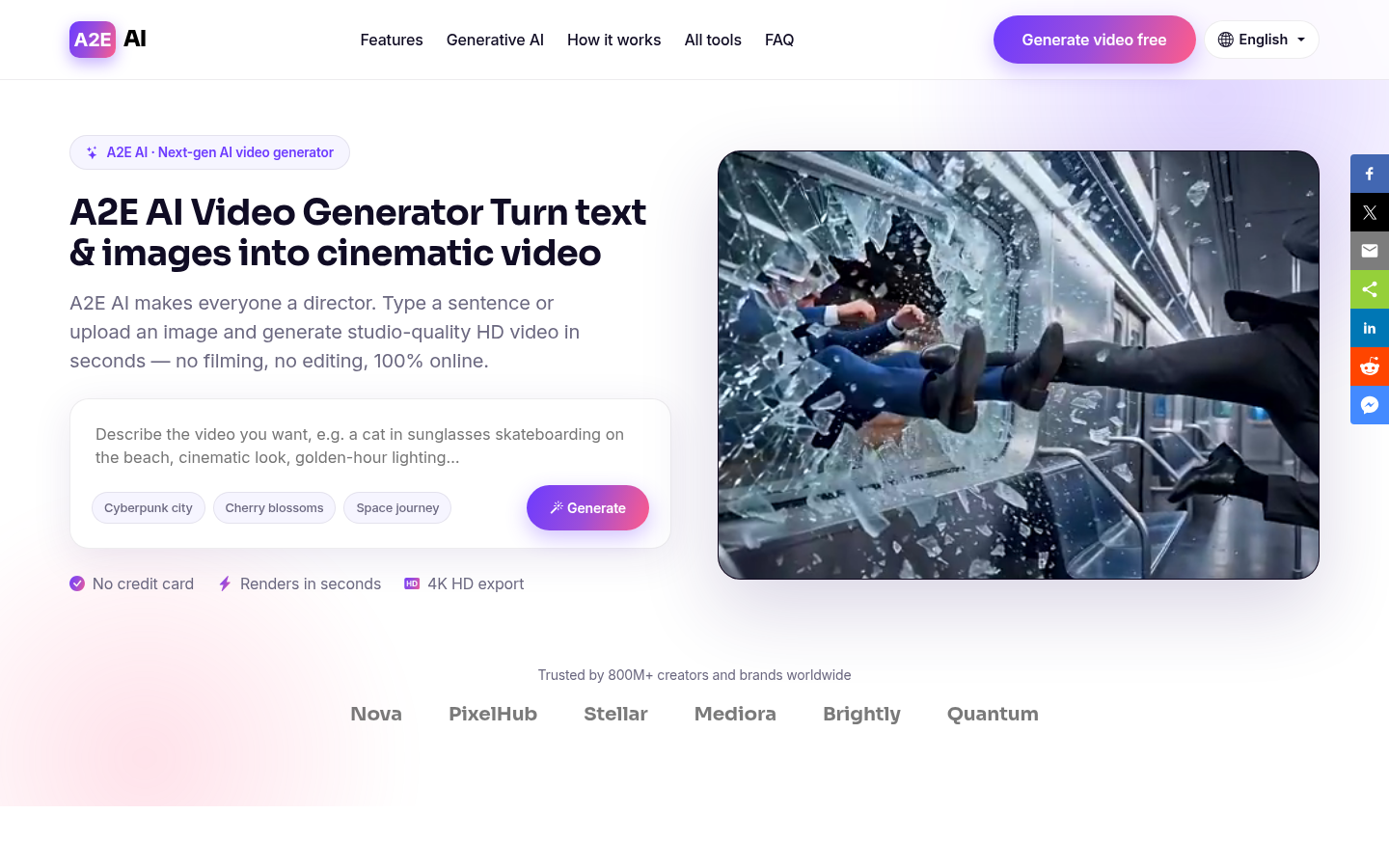
Screenshot archived from the listing page, for preview only.











