
A.V. MAPPING
AI music search engineFind music for any video
Highlights
What you can do with it
- Score a video edit with suitable music
- Find a theme from a script before shooting
- Source sound effects for a short film
How to use it
- 1 Open the site in your browser.
- 2 Upload your video or enter text.
- 3 Filter by emotion, genre, or reference.
- 4 Preview and download the track.
Who it is for
Pros
- Search by footage, not only keywords
- Royalty free library
- Useful before the edit exists
Limitations
- Always check the licence for each track
- Match quality varies with the source material
- Free access terms can change
What A.V. MAPPING is
A.V. MAPPING is an AI music search engine for royalty free music and sound effects. Rather than typing keywords and hoping, you can upload the video or image you are working on and the tool analyses it to suggest tracks that suit the footage. You can also search by emotion, genre, musicality, or a reference track, or start from a script or plot summary in text, which is useful when the edit does not exist yet. The platform also collaborates with creators to run competitions and concerts in Web3 spaces.
What you can do with it
- Find music that suits a specific video or image.
- Search by emotion, genre, musical feel, or reference track.
- Match music to a script or plot before shooting begins.
- Source sound effects alongside music.
Who it is for
- Video editors who need a track that fits an existing cut.
- Filmmakers planning music at the script stage.
- Creators sourcing sound effects for short work.
What to watch out for
Royalty free does not mean licence free, and terms differ from track to track, so read the licence for anything you plan to publish commercially. Match quality depends on the source material, and a busy or abstract clip can produce suggestions that miss the mood you wanted. Free access terms and library contents can change, and anything you upload is processed by a third party, so avoid confidential footage. Treat the suggestions as a shortlist to audition rather than a final choice. Run one full task end to end first, then expand once you are comfortable with the workflow and the result quality.
FAQ
How does it find music?
It understands your uploaded videos and images to find suitable royalty-free music and sound effects.
Can I search without a video?
Yes. It supports text search from scripts and plot summaries, plus search by emotion, genre, and reference music.
Is the music free to use?
The tracks are described as royalty free, but you should check the specific licence for each track before publishing.
Why it is free
What the official page says: 免费
Free limits, trial length and features are decided by the official site and can change at any time.
Product preview
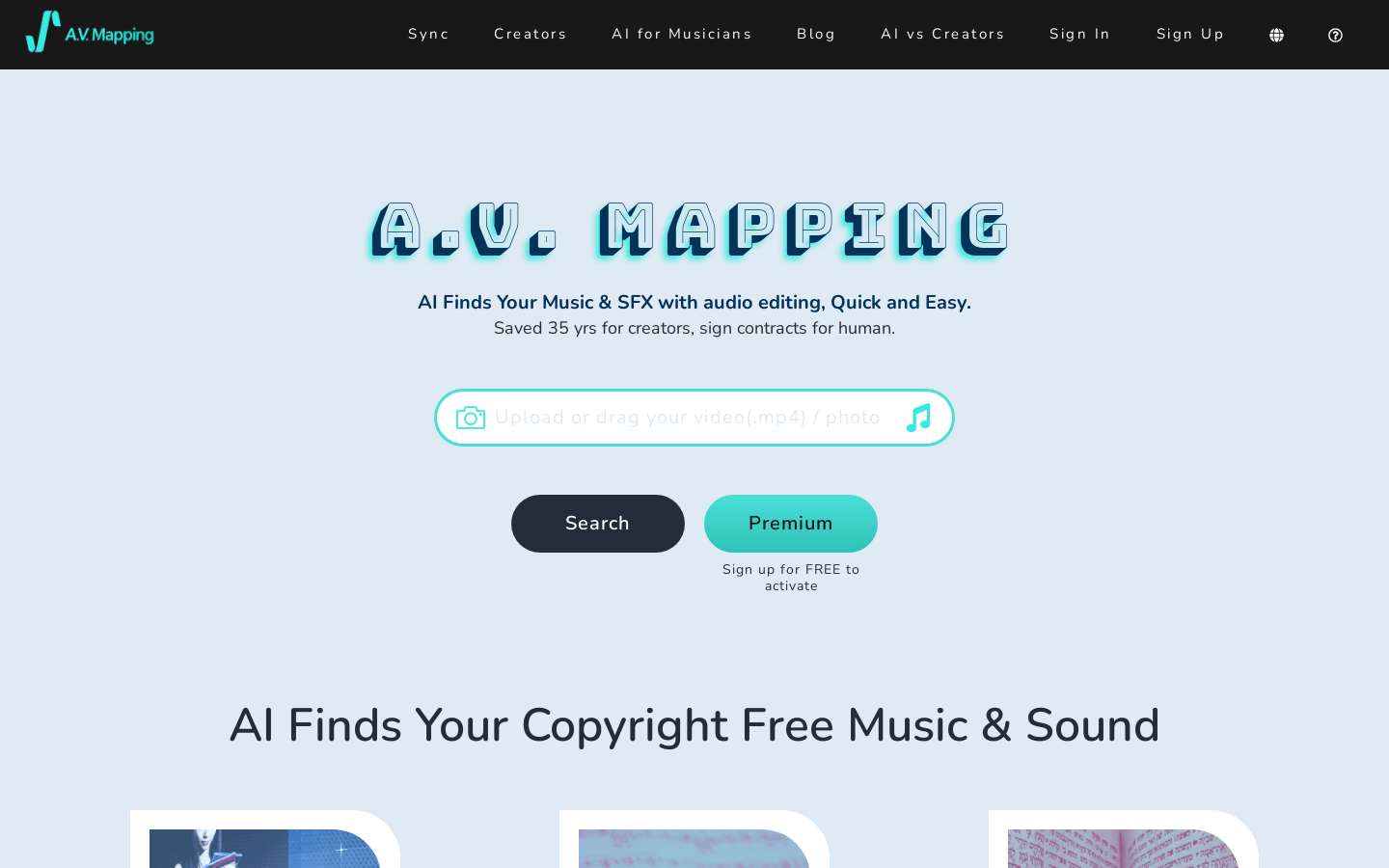
Screenshot archived from the listing page, for preview only.