
4 Fashion AI
AI fashion design and try-on platformTurn sketches and photos into looks
Highlights
What you can do with it
- Turning a sketch into a finished look
- Generating ad variants from one product photo
- Restyling a creator photo for social content
How to use it
- 1 Open 4fashionai.com and sign in or register
- 2 Pick a tool such as Outfit Generator or Text-Guided Editing
- 3 Upload a JPG, PNG, or WebP image up to 5MB
- 4 Enter instructions in natural language
- 5 Generate, preview, and refine
- 6 Use the result in catalogs or ads
Who it is for
Pros
- Free of charge per the listing
- Editing without manual masks
- High-volume ad variant generation
- Identity consistency across edits
Limitations
- Image uploads are capped at 5MB per file
- Only use photos you have rights to; misusing model or creator images can raise legal and platform issues, and you carry the consequences
- Free terms may change
- Depends on the upstream generation service
What 4 Fashion AI is
4 Fashion AI is a professional AI fashion design and visualization platform, listed as free of charge. It converts sketches, photos, and text descriptions into complete fashion looks, which the listing presents as a way to save time and labor costs in the design process. Its standout feature is text-guided maskless editing: instead of painting a mask by hand, you describe the change in natural language, such as altering fabric, changing color, or removing wrinkles, and the tool applies it to the real photo. Identity consistency keeps the same model or product recognizable when looks, scenes, or product elements are swapped, and dynamic local model exchange lets you relocate a shot to different markets while keeping the design intact.
What you can do with it
- Convert sketches, floor plans, and photos into looks
- Edit garments with text instead of manual masks
- Keep model and product identity consistent across scenes
- Generate 20 to 100 ad variants from a single image
- Swap local models and settings for different markets
- Turn creator selfies into shoppable assets with the UGC engine
- Simulate fabric on converted designs
Who it is for
- Fashion designers iterating quickly on concepts
- E-commerce teams that need volume product imagery
- Creators producing fashion content for social media
- Studios converting sketches into presentation-ready looks
- Marketing teams testing many ad variants from one shoot
What to watch out for
Only upload images you have the rights to use. Turning a model's or creator's photo into a commercial asset without permission can raise legal and platform problems, and the consequences fall on you, so get written consent for anything beyond your own material. Uploads are capped at 5MB per file, so large camera originals need downsizing first. The platform is listed as free of charge, but those terms can change, and generated looks depend on an upstream service that may queue or update without notice. Finally, AI fabric simulation is a preview, not a guarantee of how a real garment will drape, so physical samples still matter before production.
FAQ
What is 4 Fashion AI?
It is a professional AI fashion design and visualization platform for creating, editing, trying on, and transforming fashion looks.
Is it free?
The listing says it is free of charge.
What files can I upload?
The listing says JPG, PNG, or WebP images up to 5MB each.
Why it is free
What the official page says: free of charge
Free limits, trial length and features are decided by the official site and can change at any time.
Product preview
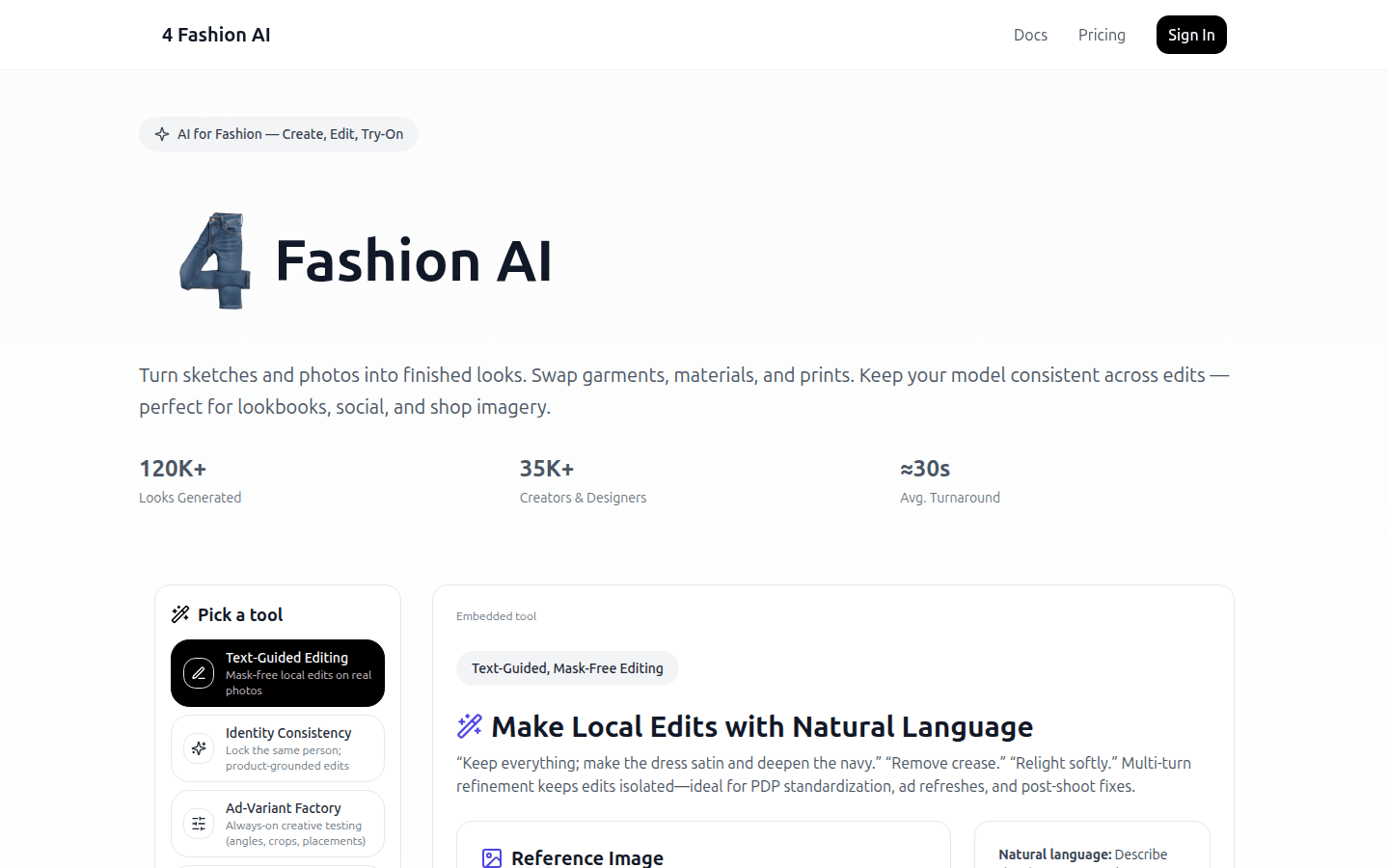
Screenshot archived from the listing page, for preview only.











