3D-Agent
Blender plugin for text to 3D modelsType a description, get a clean 3D model
Highlights
What you can do with it
- Independent developers generate sets of props and treasure chests for a fantasy RPG
- Architects adjust interior layouts and produce render views during client meetings
- Creators repair poorly topologized models from other AI tools to animation-ready standard
- Blender users automate repetitive scene setup work
How to use it
- 1 Download the 3D-Agent plugin zip from the official website.
- 2 Install and activate it in the Blender add-ons settings.
- 3 Open the 3D-Agent tab in the right panel and log in to your account.
- 4 Describe the object you want, for example a vintage leather sofa with soft padding, then click generate.
- 5 Use the topology repair function to clean the mesh into quad structure.
- 6 Refine materials and scripts, then export to a game engine or renderer.
Who it is for
Pros
- Produces quad-dominant meshes suited to production work
- Runs inside Blender, so no export and re-import round trip
- Exports in formats that Unity, Roblox, Godot, and Unreal accept
- A free version is available for testing before paying
Limitations
- Full access sits behind a premium plan at $100 per month, so budget before production use
- Only works inside Blender, so it does not help if you model elsewhere
- Generated models still need review for animation and game use
- Results depend on how clearly the object is described
What 3D-Agent is
3D-Agent is an AI plugin for Blender that turns text descriptions into 3D models with clean topology. You type a phrase such as a Gothic medieval church, and the add-on builds the geometry inside your scene with quad-dominant meshes instead of the messy output that many AI generators produce. It also repairs topology from other tools, writes Blender Python scripts from natural language, sets keyframes and simple rigs, and iterates on lighting and camera work through text. Models export in OBJ, FBX, GLB, and USDZ for engines such as Unity, Roblox, Godot, and Unreal. A basic free version is available, and a premium plan is priced at $100 per month.
What you can do with it
- Generate 3D models from a text description directly inside Blender.
- Repair messy meshes from other AI tools into clean quad topology in one click.
- Automate lighting, modifiers, and batch tasks with natural language scripts.
- Set up simple animation, camera moves, and bone rigging from text instructions.
- Export models in OBJ, FBX, GLB, and USDZ for game engines, including Roblox scenes.
Who it is for
- Blender artists who want faster blocking and iteration.
- Independent game developers producing props and environments.
- Architects building interior layouts and quick visual studies.
- Creators cleaning up AI generated meshes for animation ready use.
What to watch out for
The free version is a starting point with limits, and full access sits behind a $100 per month premium plan, so budget before adopting it in production. The plugin only works inside Blender, so it is not useful if you model elsewhere. Generated models still need review, especially for animation and game use, and results depend on how clearly you describe the object.
FAQ
Do I need Blender to use 3D-Agent?
Yes, it is a plugin that installs and runs inside Blender through the add-ons settings.
Is there a free version?
Yes, a basic free version is available and free quotas can be used for testing.
What export formats are supported?
Models can be exported as OBJ, FBX, GLB, and USDZ for engines such as Unity, Roblox, Godot, and Unreal.
Can it fix messy meshes from other tools?
Yes, the topology repair feature converts messy AI or third-party meshes into clean quad topology in one click.
Why it is free
What the official page says: free version
Free limits, trial length and features are decided by the official site and can change at any time.
Product preview
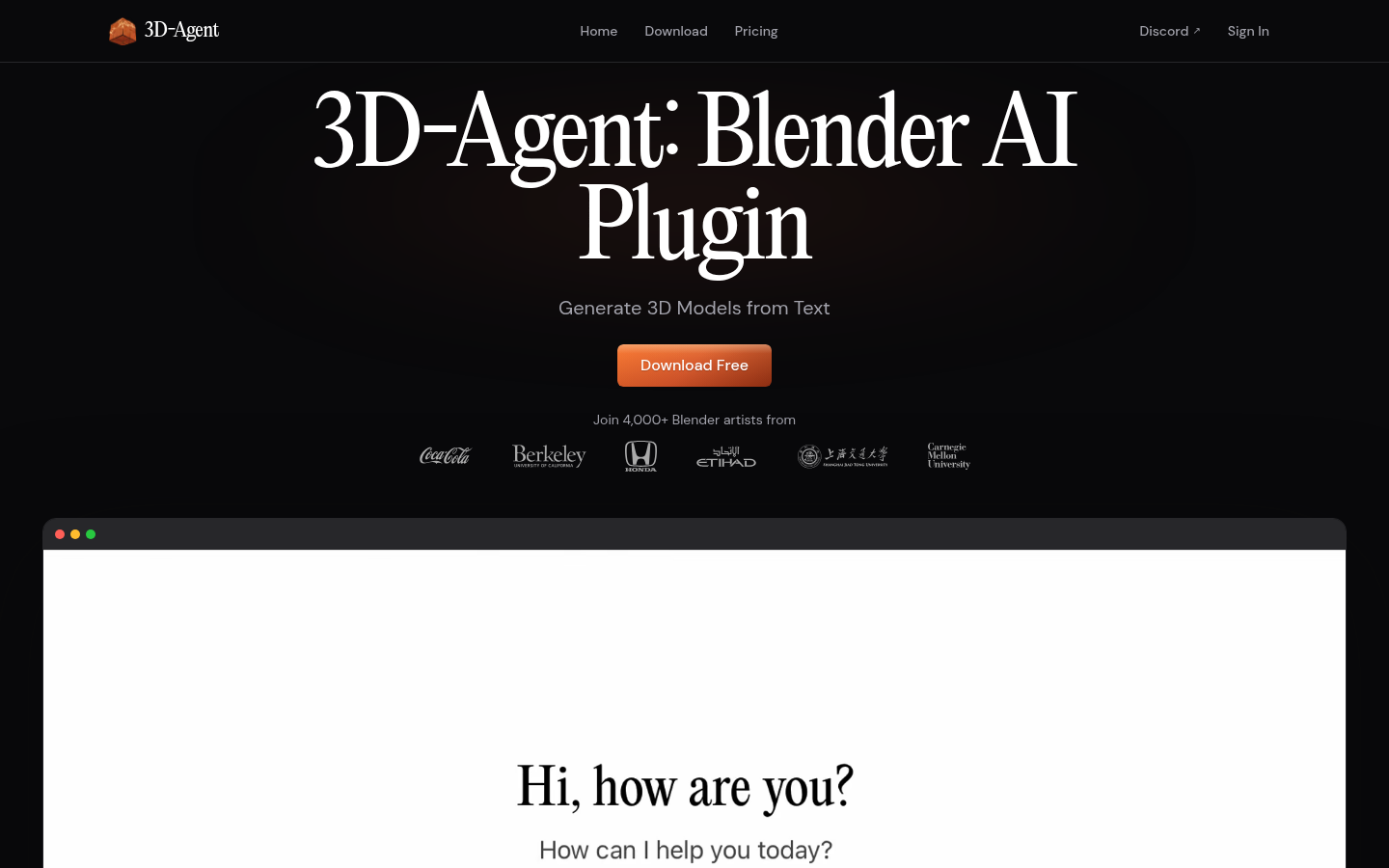
Screenshot archived from the listing page, for preview only.











