2Speech AI
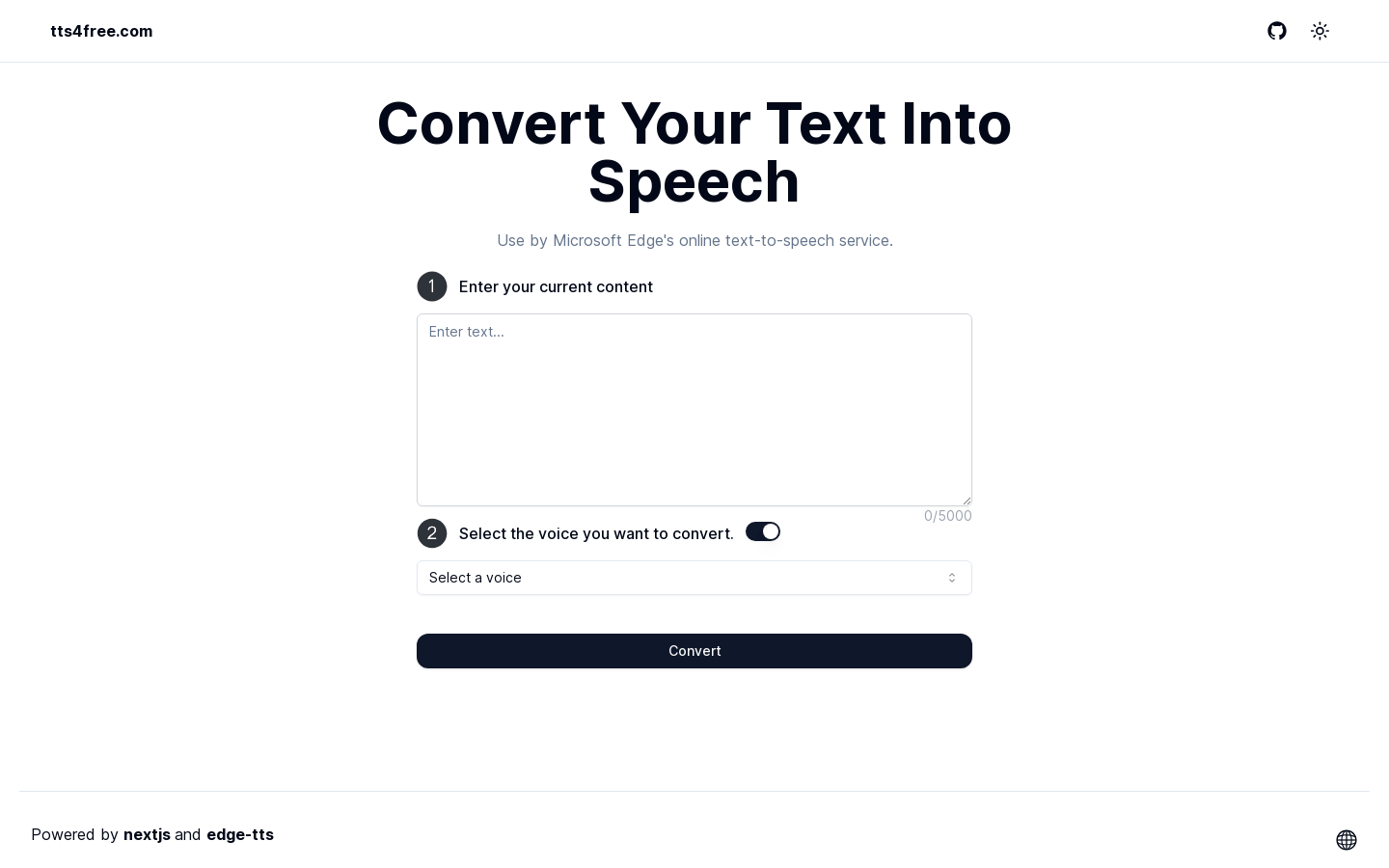
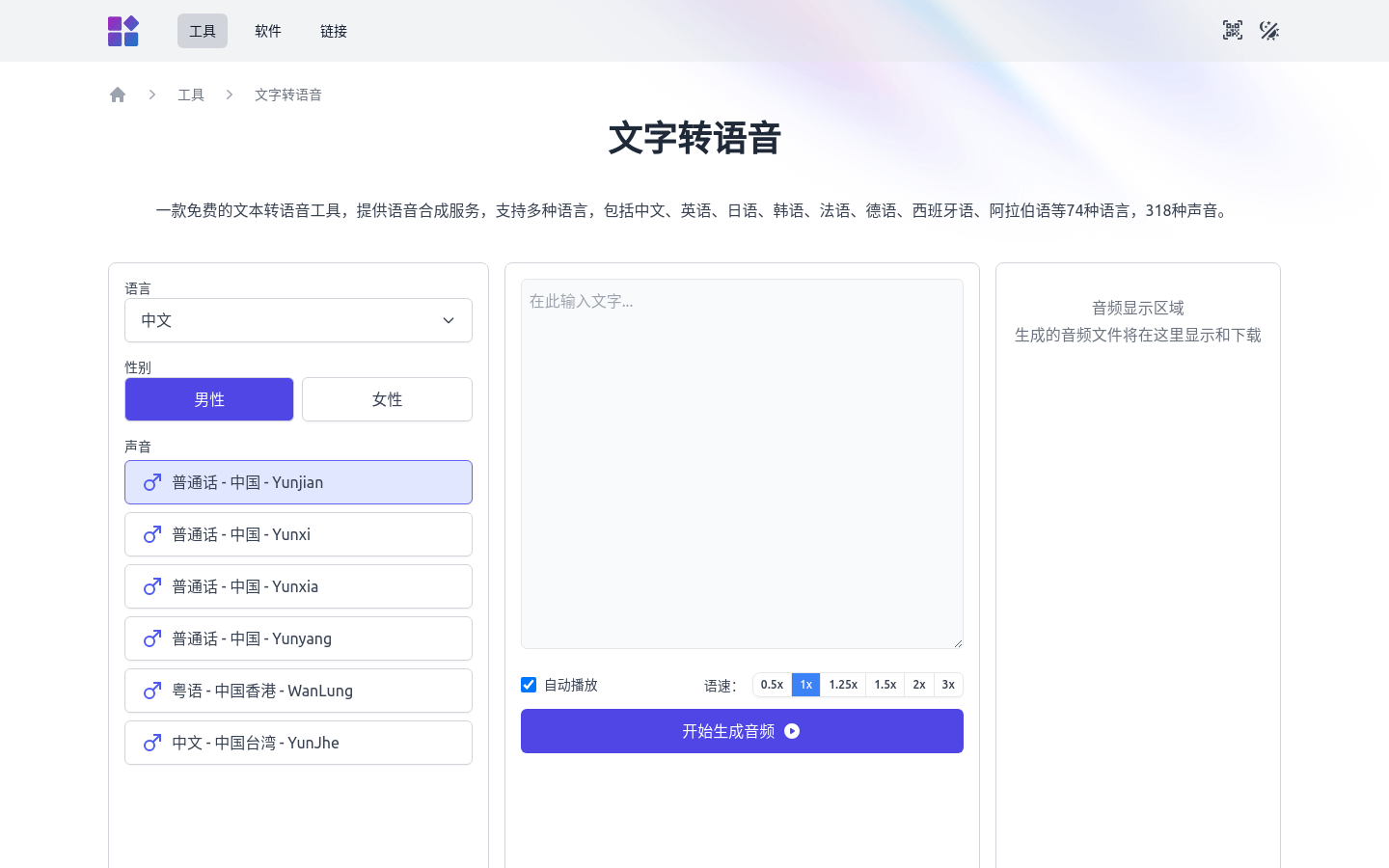
Free online text to speech with expressive voicesPaste a script, pick a voice, download WAV or MP3
Highlights
What you can do with it
- Paste a product script, choose a natural voice, and drop the MP3 into a short video edit
- Upload chapter text or a DOCX manuscript and export narration for a podcast or audiobook sample
- Turn PPT or DOCX course material into clear audio for lessons and listening practice
- Convert training manuals and ad copy into one consistent brand voice
How to use it
- 1 Open 2speech.com and go to the free AI text to speech page
- 2 Type or paste your script, up to 100,000 characters, or drag in a supported file
- 3 Choose language, accent, gender, style or age from the voice library
- 4 Click Generate Speech, and listen to a sample first if one is offered for that voice
- 5 Review pauses, intonation and pronunciation, then edit the text or change the voice and regenerate
- 6 Export WAV or MP3 and import the audio into your editor, host or courseware
Who it is for
Pros
- Free to use online with no recording equipment or studio needed
- Large text capacity and support for common document and media file types
- Voice choice across languages, accents and styles, including free voices
- WAV and MP3 export fits directly into existing editing and publishing workflows
Limitations
- The page does not clearly state advanced limits, so usage caps may apply without warning
- Pronunciation of names, brands and technical terms often needs manual fixes in the text
- Long-form narration still benefits from human proof listening before publication
- Free usage terms can change, and scripts are processed by an online service, so check current policies
What 2Speech AI is
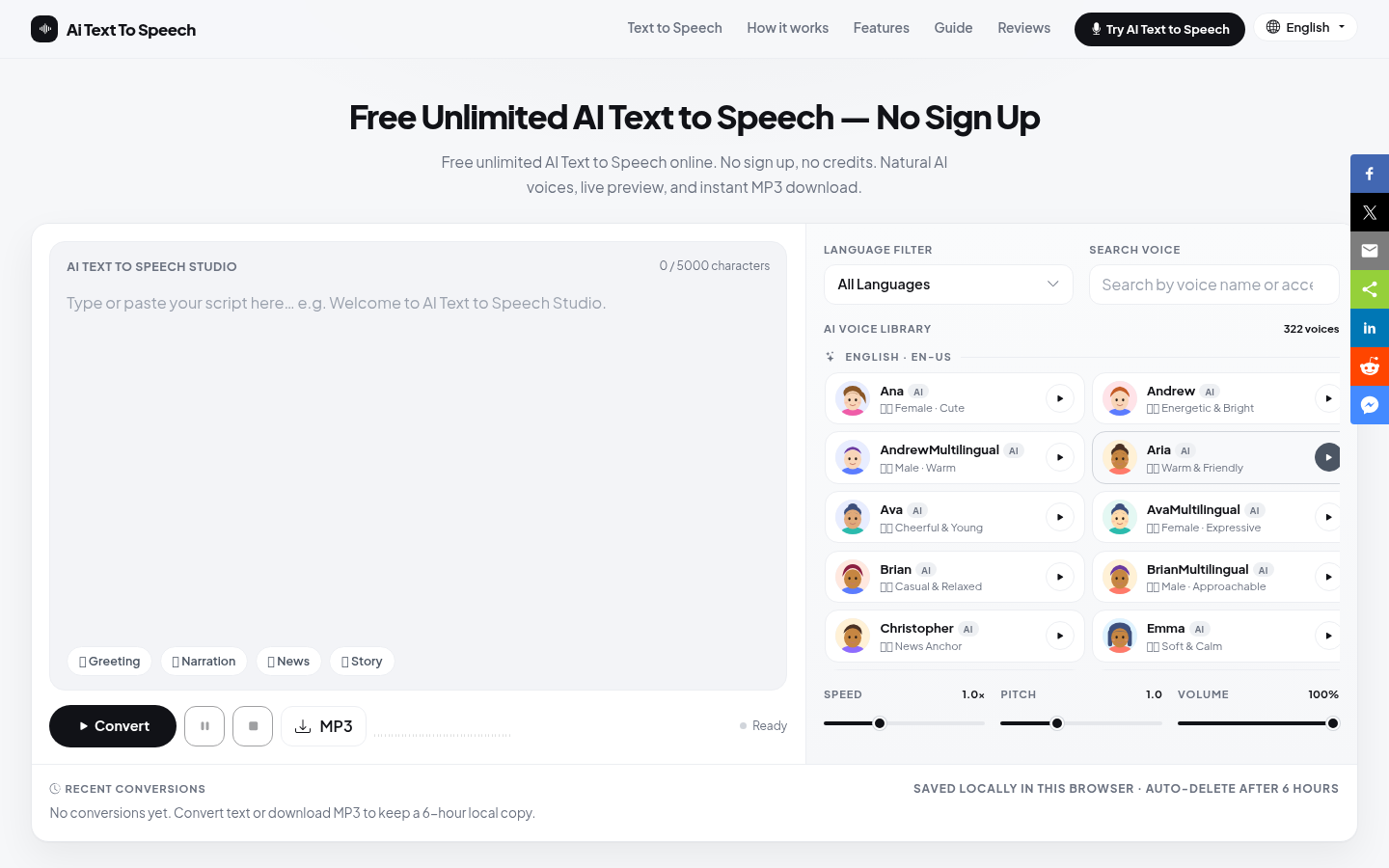
2Speech AI is an online AI text to speech tool designed for video dubbing, podcasts, audiobooks, educational courseware, accessible reading and corporate marketing. Its core is neural text to speech with emotional voice synthesis: the system analyses the text and adds breathing, rhythm and natural intonation so the output sounds closer to a real speaker than a flat synthetic reader. It runs in the browser, so no recording equipment is needed. You can type or paste up to 100,000 characters, or drag in PDF, PPT, DOCX, book, image, audio and video files, with documents and images accepted up to 50MB and media up to 10MB. A voice library covers multiple languages, accents, genders and styles, and finished audio can be exported as WAV or MP3.
What you can do with it
- Turn a written script into narration for short videos, ads or tutorials.
- Upload a chapter, manuscript or slide deck and convert it into listening material.
- Pick a voice by language, accent, gender or style to suit the project tone.
- Export WAV or MP3 files that drop straight into an editor or podcast host.
- Produce several versions of the same copy quickly for testing.
Who it is for
- Video creators and short video bloggers who need narration without a studio.
- Podcast and audiobook producers wanting steady, expressive narration.
- Educators and course designers turning slides and handouts into audio.
- Marketing and training teams producing consistent brand voiceovers at scale.
- Readers who need audio versions of articles, books and materials.
What to watch out for
The page does not publish detailed limits for advanced use, so caps may exist even though the tool is presented as free. Synthetic voices still stumble on unusual names, brand words and technical terms, so expect to adjust the spelling of tricky words and to proof listen before publishing. Emotional delivery is better than older text to speech engines but is not the same as a human actor, which matters for drama or sensitive narration. Because your script is processed online, review the current privacy terms before uploading unpublished or confidential material, and remember that free usage rules can change.
FAQ
Is 2Speech AI free?
The page presents it as a free online text to speech tool, although specific advanced features or limits are not clearly stated there.
How much text can I convert at once?
You can type or paste up to 100,000 characters. Uploads are limited to 50MB for PDF, PPT, DOCX, books and images, and 10MB for audio and video.
Which file formats can I export?
The page emphasizes exporting clear WAV files or converting text to MP3, which suits video editing, podcasts and courses.
Can I choose different voices?
Yes. The library offers voices in different languages, accents, genders and expressive styles, including free options such as American English female voices.
Is my script kept private?
The product describes encryption and strict security measures protecting user scripts and audio tasks, but you should review the current policy before uploading sensitive material.
Why it is free
What the official page says: 免费使用免费
Free limits, trial length and features are decided by the official site and can change at any time.