
2Read App
Kindle review and AI notesReview your Kindle highlights daily
Highlights
What you can do with it
- Review Kindle highlights while studying a textbook
- Dig deeper into key data in an industry report
- Summarise a book quickly so you can find it later
How to use it
- 1 Install the 2Read App on your mobile device.
- 2 Log in and sync your Kindle highlights and notes.
- 3 Set up daily review reminders.
- 4 Use WordWise when you hit an unfamiliar word.
- 5 Run AI Insight or AI Summary on important highlights.
- 6 Check your reading progress and adjust your plan.
Who it is for
Pros
- Basic features are free
- Turns highlight review into a daily habit
- Exports work with most note taking apps
Limitations
- AI features need credits rather than being fully free
- Kindle sync means it fits Kindle users best
- It is a mobile app, so long form writing happens elsewhere
What 2Read App is
2Read App is a mobile application built around one problem: people highlight books and then never look at them again. It syncs your Kindle highlights and notes so they are available on your phone, then pushes you to review them on a schedule so the material actually sticks. While you read, the WordWise function explains vocabulary in context rather than giving a generic dictionary definition. For the highlights that matter, AI Insights adds background, examples, and deeper explanation, and AI Summary produces a full or custom summary of your highlights. The app also tracks reading progress and lets you export everything as PDF, Markdown, or text. Basic features are free, while AI features use credits.
What you can do with it
- Sync Kindle highlights and notes for use across devices.
- Review highlights daily so they stay in memory.
- Look up unfamiliar vocabulary with WordWise in context.
- Run AI Insight on a highlight for extra depth and examples.
- Generate an AI Summary of a book or article from your own highlights.
- Track reading progress and export notes to PDF, Markdown, or text.
Who it is for
- Students reading professional textbooks who need to retain detail.
- Professionals reviewing industry reports and long documents.
- Lifelong learners who read widely and want a review habit.
- Kindle users whose highlights are currently scattered and unused.
What to watch out for
The AI features are not free: they run on credits you buy, so heavy use costs money even though the basics are free. Because the app is built around Kindle syncing, readers on other platforms will get less out of it. It is a mobile app, so it supports reading and review rather than long form writing, and you will export to another tool for that. Finally, the AI explanations and summaries are generated content: useful for orientation, but check anything you plan to quote or rely on against the original book.
FAQ
Is it free?
Basic features are free. AI functionality requires buying AI credits.
Does it work with Kindle?
Yes, it syncs Kindle highlights and notes for use across devices.
Can I export my notes?
Yes, highlights and notes can be exported as PDF, Markdown, or text files.
Why it is free
What the official page says: 免费
Free limits, trial length and features are decided by the official site and can change at any time.
Product preview
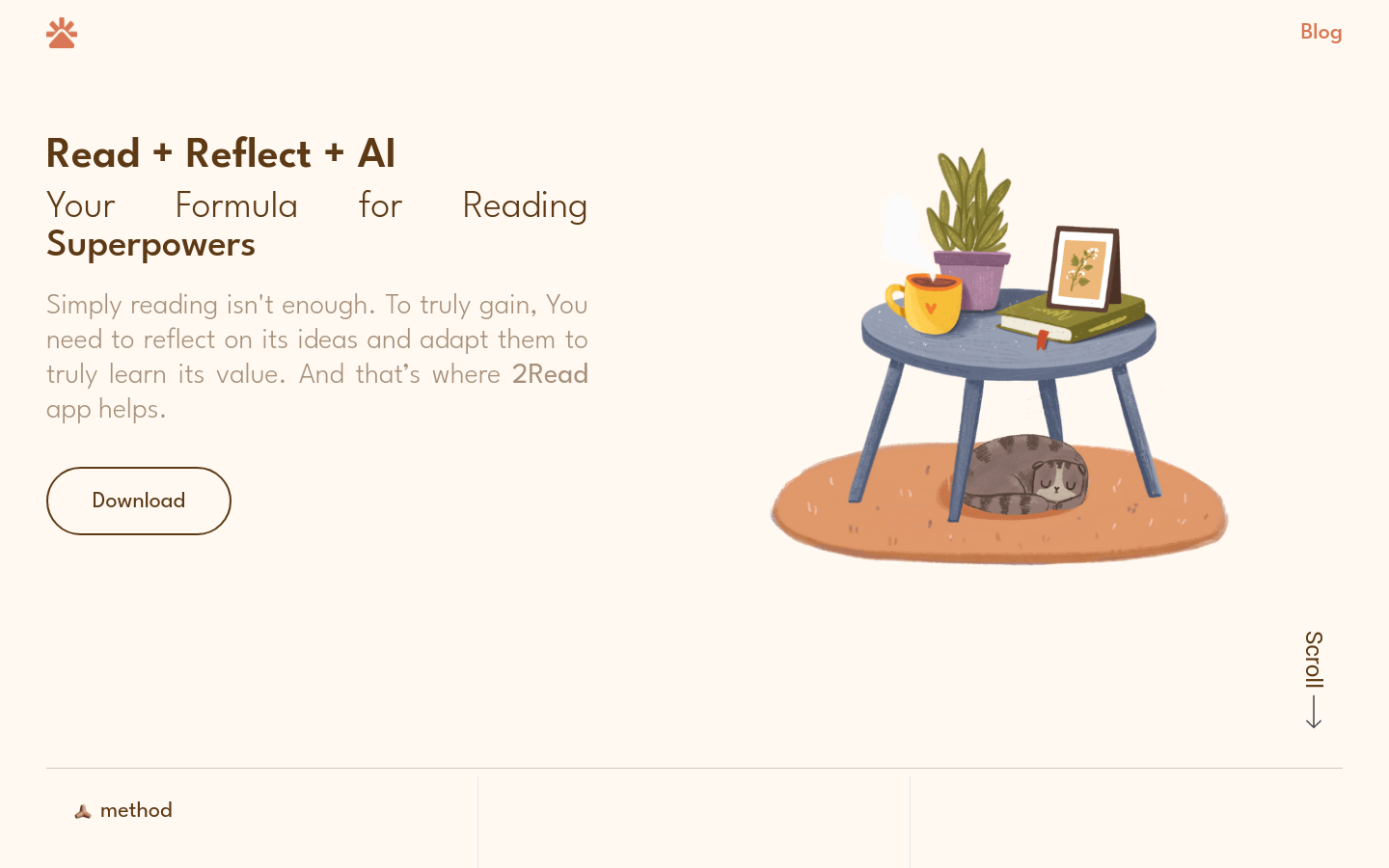
Screenshot archived from the listing page, for preview only.











