
1min.AI
All-in-one AI app for chat, images, and audioMany AI tasks in one subscription
Highlights
What you can do with it
- A personal user generates images and converts text to speech
- An enterprise user edits images and transcribes audio for work
- A student translates content and generates images for coursework
How to use it
- 1 Create a 1min.AI account and sign in.
- 2 Pick the task you need: chat, image, or audio.
- 3 Supply your input, such as a prompt, a file, or text.
- 4 Spend credits to run the task and download the result.
Who it is for
Pros
- Covers chat, image, and audio tasks without switching apps
- Daily free credits let you test before paying
- Extra credits can be bought as needed
- Enterprise packages can be tailored
Limitations
- Credit based, so heavy use adds up quickly
- Free allowance is limited and the paid plans are the real product
- Quality varies by the underlying model you pick
- Broad feature set means each area is less specialized
What 1min.AI is
1min.AI is a multi-functional AI application. In one place it offers chat with several intelligent models, high-resolution image generation, image enhancement, similar-image generation, text-based image editing, audio transcription, audio translation, and text to speech. It runs on a credit system: there is a free trial plan, a daily free credit allowance, extra credit packs for heavier use, and tailored packages for enterprise customers. The listing describes the pricing as paying only for the features you actually use.
What you can do with it
- Hold conversations with multiple AI models
- Generate high-resolution images and enhance existing ones
- Edit images using written instructions
- Transcribe audio and translate it into another language
- Convert written text into spoken audio
Who it is for
- Individual users who want several AI tools behind one login
- Teams that need image and audio work alongside chat
- Students moving between translation, images, and text in one project
What to watch out for
A broad toolset is convenient but shallow in places. Each capability is a wrapper around a model, so output quality varies and the specialized tools in any single category may do better. Credits are consumed per task, and image and audio work burns through them faster than chat, so heavy use becomes a real cost. The free daily allowance is small by design. Check which model sits behind each feature, because that determines quality more than the app itself. Free tiers and usage limits can change, so check the current rules on the official page before relying on it long term. Processing speed depends on file size and network conditions, so retry later if a task stalls during peak hours.
FAQ
Does 1min.AI have a free plan?
It offers a free trial plan and a daily free credit allowance. Beyond that, usage is paid through credits or a subscription.
What can it do besides chat?
It generates and enhances images, creates similar images, edits images from text instructions, transcribes and translates audio, and converts text to speech.
How does pricing work?
The listing describes a pay-for-what-you-use model with credits, plus extra credit packs and enterprise packages.
Why it is free
What the official page says: free trial
Free limits, trial length and features are decided by the official site and can change at any time.
Product preview
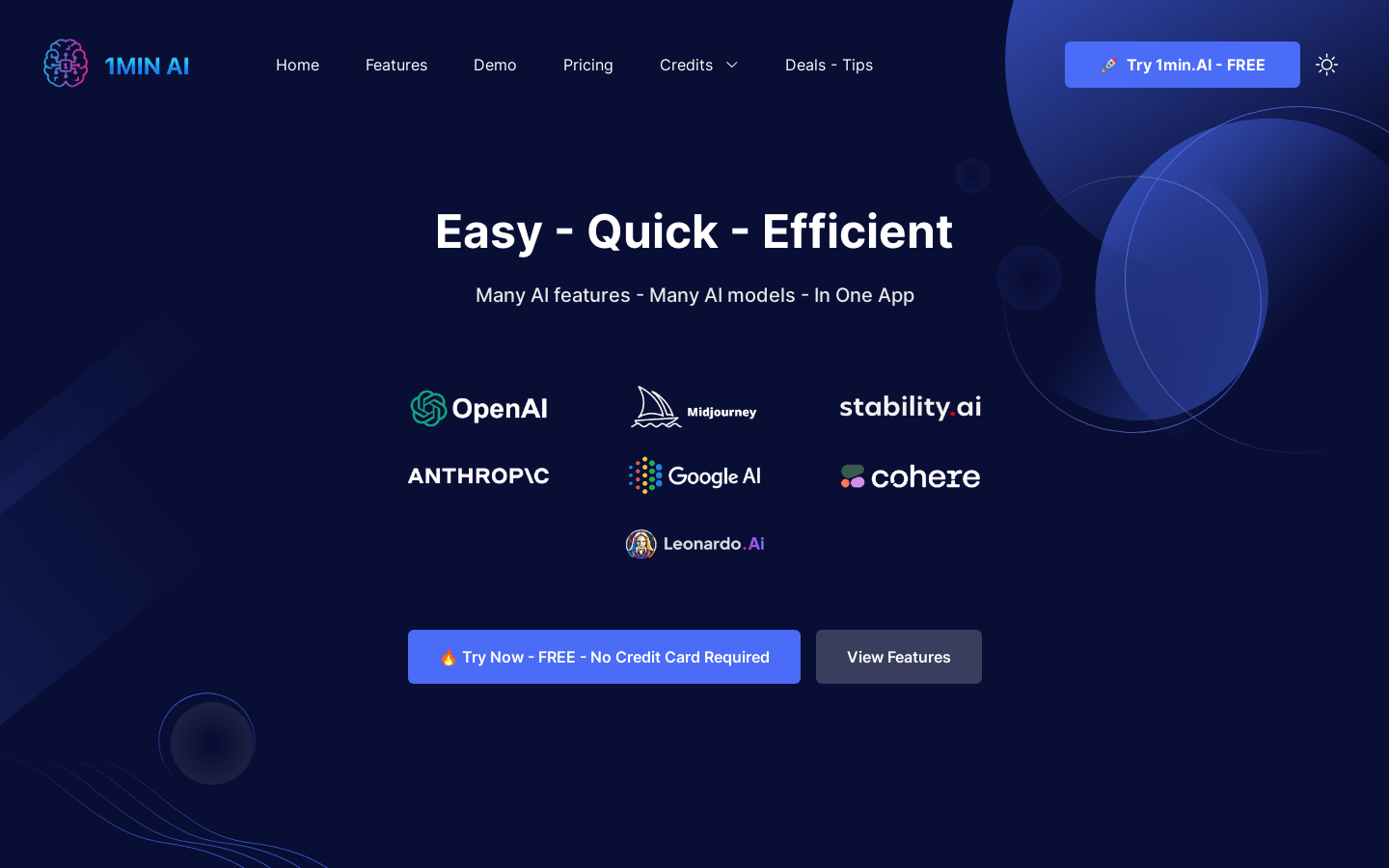
Screenshot archived from the listing page, for preview only.











