
16x Prompt
ChatGPT prompt builderBuild ChatGPT coding prompts
Highlights
What you can do with it
- Assemble a prompt to add a React component
- Send a Python script for performance work
- Package a Java bug report for ChatGPT
How to use it
- 1 Install the desktop application.
- 2 Add your source code and instructions.
- 3 Format and optimise the assembled prompt.
- 4 Send it to ChatGPT or GPT-4 and review the reply.
Who it is for
Pros
- Saves retyping code into a chat window
- Local processing keeps source on your machine
- Free trial before paying
Limitations
- Free use carries a daily prompt limit
- You still need your own ChatGPT or GPT-4 access
- Desktop only, and pricing details need checking on the site
What 16x Prompt is
16x Prompt is a desktop application for building coding prompts. Rather than pasting code into a chat window and retyping instructions each time, you load the source code and context into the app, and it assembles a formatted prompt you can send to ChatGPT or GPT-4. It works with existing code repositories, needs no setup, and runs locally, which the developer frames as a data privacy advantage since your source stays on your machine. A free trial is available and the paid version removes the daily prompt limit.
What you can do with it
- Add source code and context to a prompt without manual copying.
- Format instructions so the model receives a clear brief.
- Reuse prompts across tasks and repositories.
- Send the finished prompt to ChatGPT or GPT-4 in one step.
Who it is for
- Developers who use ChatGPT for coding tasks every day.
- Programmers who want a reusable prompt library.
- Anyone tired of rebuilding the same context by hand.
What to watch out for
This is a prompt organiser, not a code editor or an agent, so it does not write or run code for you. You still need your own access to ChatGPT or GPT-4, and the free tier limits how many prompts you can build per day. Pricing details are thin in the listing, so confirm current costs on the site. The quality of the answer still depends on your prompt, so the tool saves assembly time rather than guaranteeing a better result. For team use, agree on naming and editing conventions in advance to avoid version conflicts or duplicated work. Name and archive exported files consistently so you can find and reuse them, and keep a backup copy of key data.
FAQ
What does 16x Prompt do?
It assembles coding prompts for ChatGPT by adding source code, context, and formatted instructions for you.
Is there a free trial?
Yes. A free trial is offered, and the paid version removes the daily prompt limitation.
Do I need a ChatGPT subscription?
The app supports ChatGPT Plus and GPT-4, so you need access to those services separately.
Why it is free
What the official page says: free trial
Free limits, trial length and features are decided by the official site and can change at any time.
Product preview
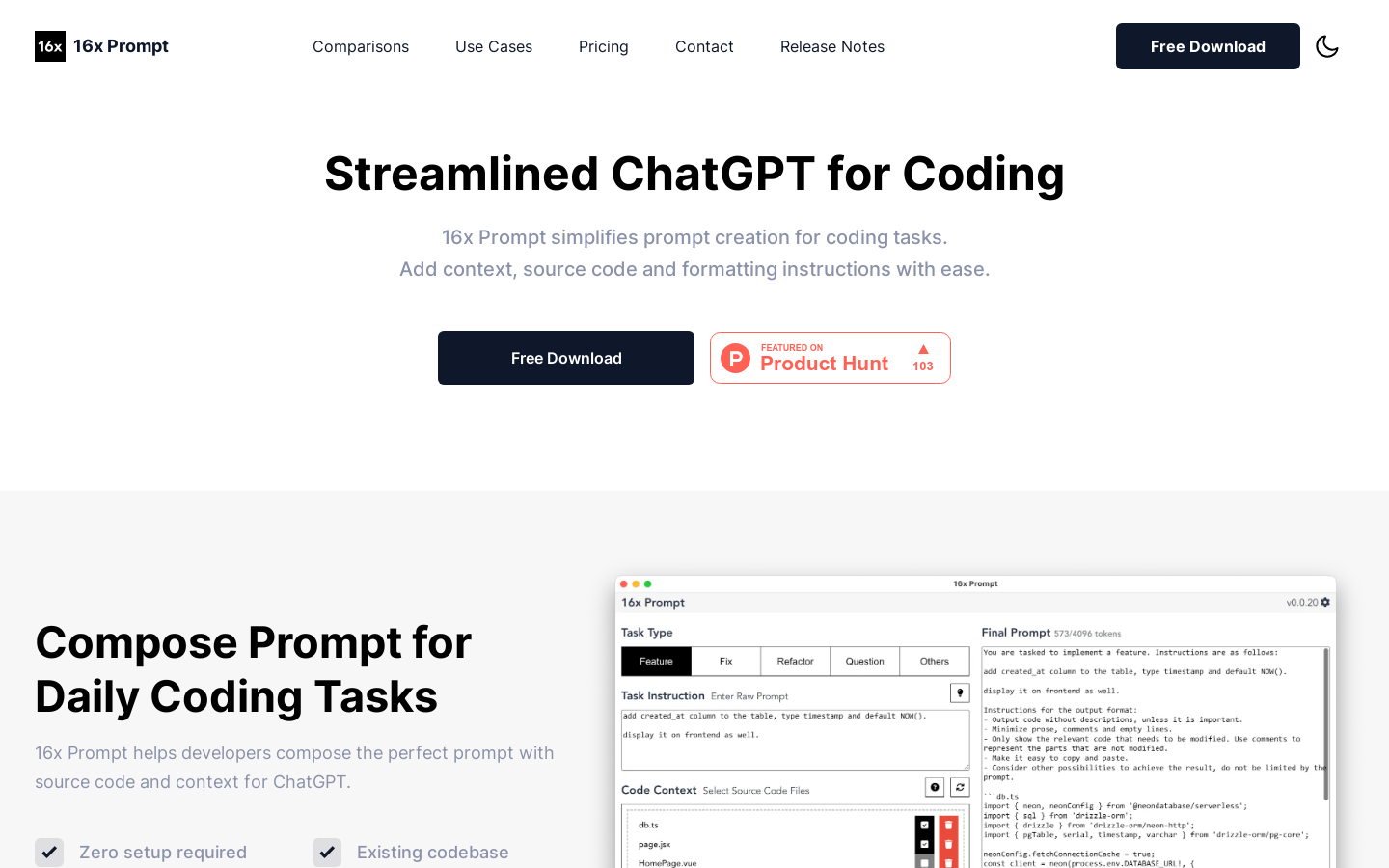
Screenshot archived from the listing page, for preview only.











